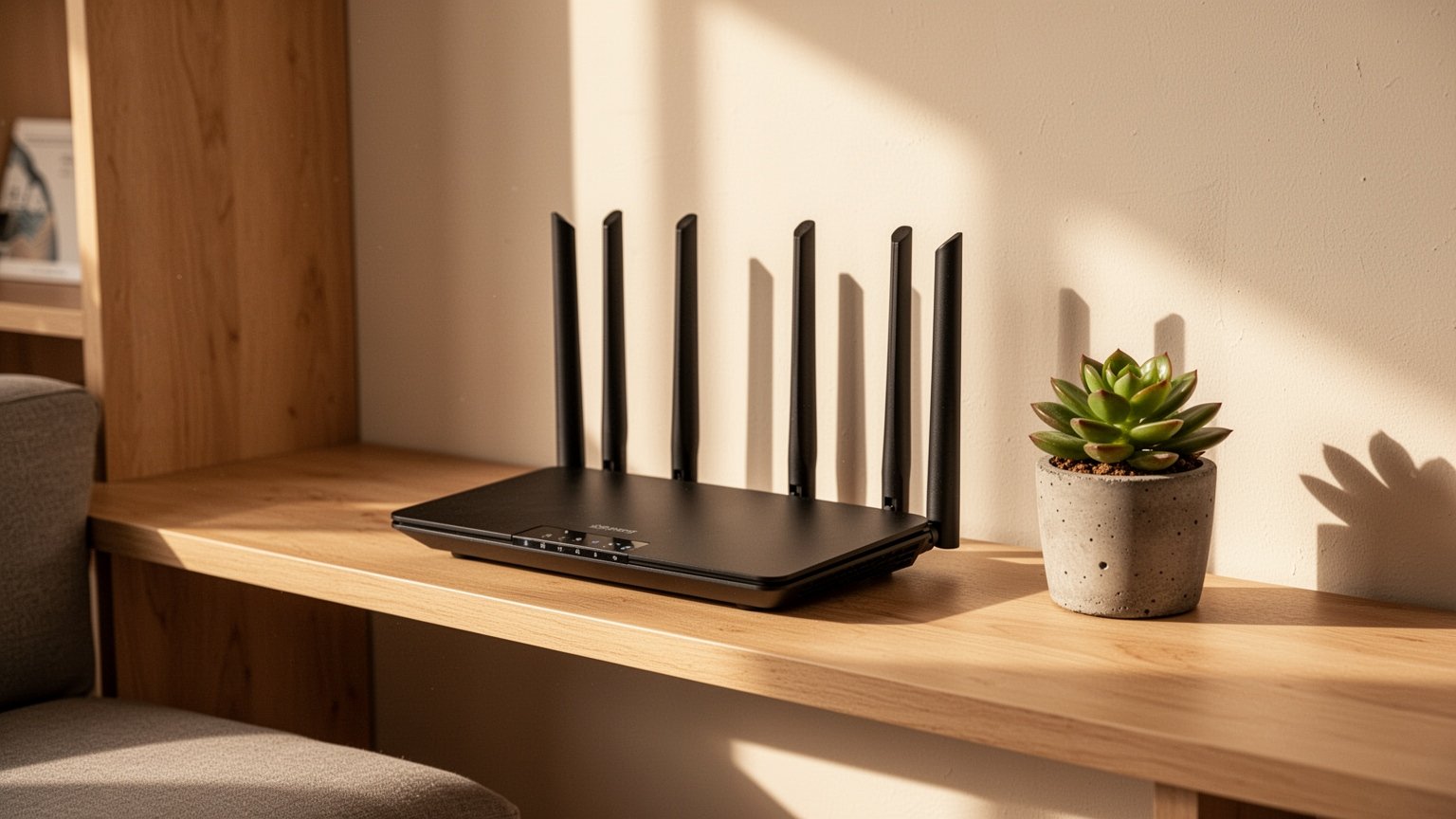
When shopping for a new Wi-Fi router, models with 4 or 8 horn-like antennas look like they should deliver blazing speeds. Does adding more antennas really double or quadruple your home Wi-Fi speed? Before spending extra on a high-end router, here is the technical reality you should know.
Quick Summary
- Single device speeds: Most smartphones use a 2×2 antenna setup, meaning even a 4×4 router cannot exceed the ~867Mbps limit on 5GHz.
- The real benefit of 4 antennas: MU-MIMO technology cuts down latency and bottlenecks when multiple devices connect simultaneously.
- Antenna positioning: In single-story homes, position all antennas straight up at 90 degrees to radiate signals horizontally across rooms.
- Router placement: Avoid placing routers on the floor or behind TVs. Position them centrally on a table or shelf at least 30–45 cm (12–18 in) high.
Why a 4-Antenna Router Won’t Speed Up Your Smartphone
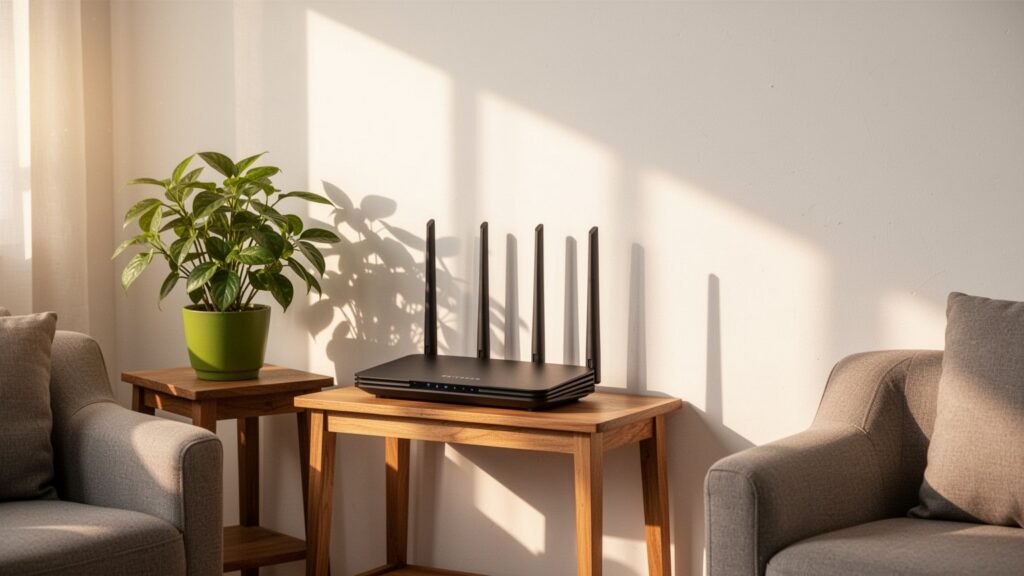
The number of router antennas is directly tied to the number of spatial streams (MIMO). Just like adding lanes to a highway allows more vehicles through at once, adding transmit and receive antenna channels increases the maximum available bandwidth.
| Wireless Standard (Frequency) | 1 Stream (1×1) | 2 Streams (2×2) | 4 Streams (4×4) |
|---|---|---|---|
| 802.11ac (Wi-Fi 5 / 5GHz) | Up to 433Mbps | Up to 867Mbps | Up to 1,733Mbps |
| 802.11n (2.4GHz) | Up to 150Mbps | Up to 300Mbps | Up to 800Mbps |
However, the wireless network cards inside most smartphones, tablets, and laptops are built with 1×1 or 2×2 antenna configurations. Because client device hardware maxes out at 2×2 (up to 867Mbps on 5GHz), connecting to an expensive 4×4 router will not make a single device any faster.
In addition, many 4-antenna routers on the market are not true 4×4 stream devices. Many use a “dual-band 2×2” setup, with physical antennas split into two dedicated for 2.4GHz and two for 5GHz.
When Are Routers with More Antennas Actually Worth It?
The true value of having more antennas shows up when multiple devices use Wi-Fi at the same time, not when using a single device alone. With traditional SU-MIMO, routers transmit data to devices sequentially, creating queuing delays (lag) as connected devices multiply.
In contrast, a 4×4 router that supports MU-MIMO (Multi-User MIMO) can transmit data to two 2×2 smartphones simultaneously. This cuts down traffic bottlenecks even when everyone in the household streams video or plays online games at once.
However, adding more antennas does not proportionally double or quadruple Wi-Fi coverage distance across rooms. Wireless transmit power (EIRP) is strictly regulated by law. Rather than pushing signals farther, multiple antennas are used for technologies like beamforming to maintain stable connections and reduce dropouts at the edge of coverage.
Wall-Penetrating 2.4GHz and How to Position Donut-Shaped Antennas
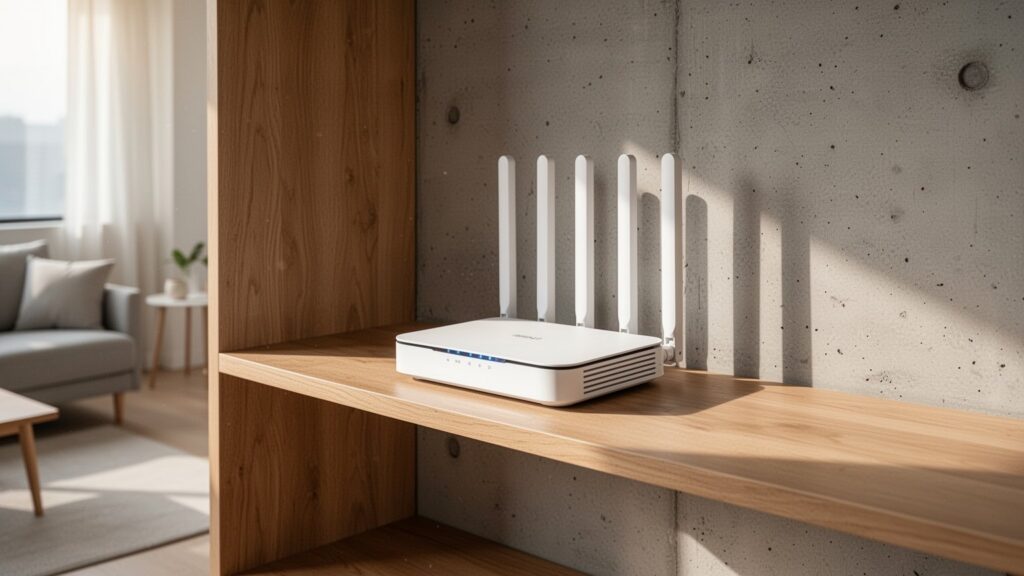
Wi-Fi signals penetrate obstacles differently depending on frequency. While 5GHz experiences less channel interference and delivers faster speeds, its signal drops sharply through obstacles. In contrast, 2.4GHz is slower but has longer wavelengths that diffract better around concrete walls, making it more reliable in rooms behind closed doors.
External rod antennas radiate signals sideways in a donut (toroid) pattern, not out from the tips. In standard single-story homes and apartments, pointing all antennas vertically at 90 degrees radiates signals widest across the horizontal living area.
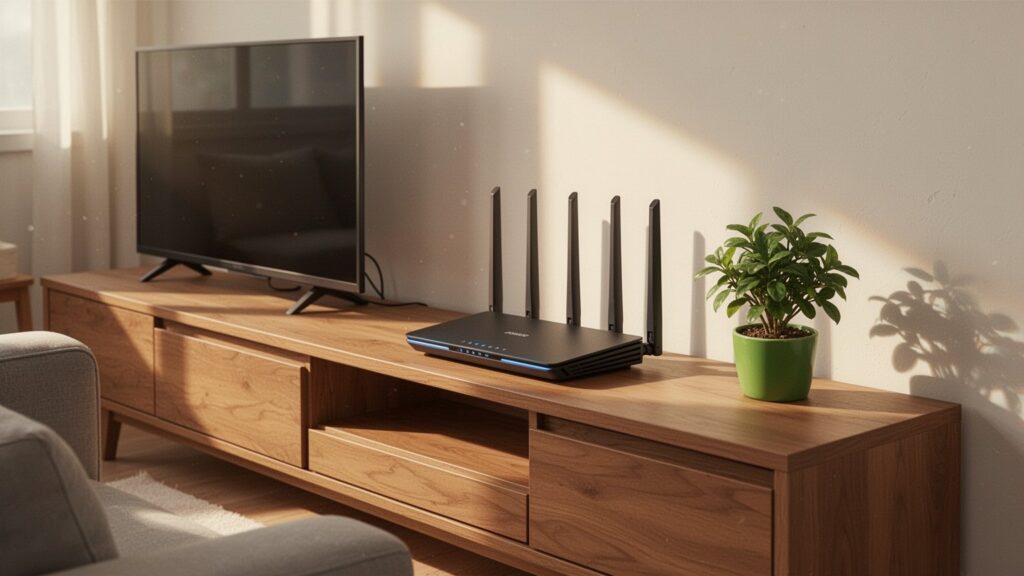
Placing a router on the floor, behind a TV, inside a cabinet, or next to a microwave blocks signals and causes interference. Position it in an open, central spot, such as on a table or shelf at least 30 to 45 cm (12 to 18 inches) off the ground.
If your router’s antennas are lying flat or hidden behind your TV, stand them straight up at 90 degrees and move the unit to an open table.
답글 남기기