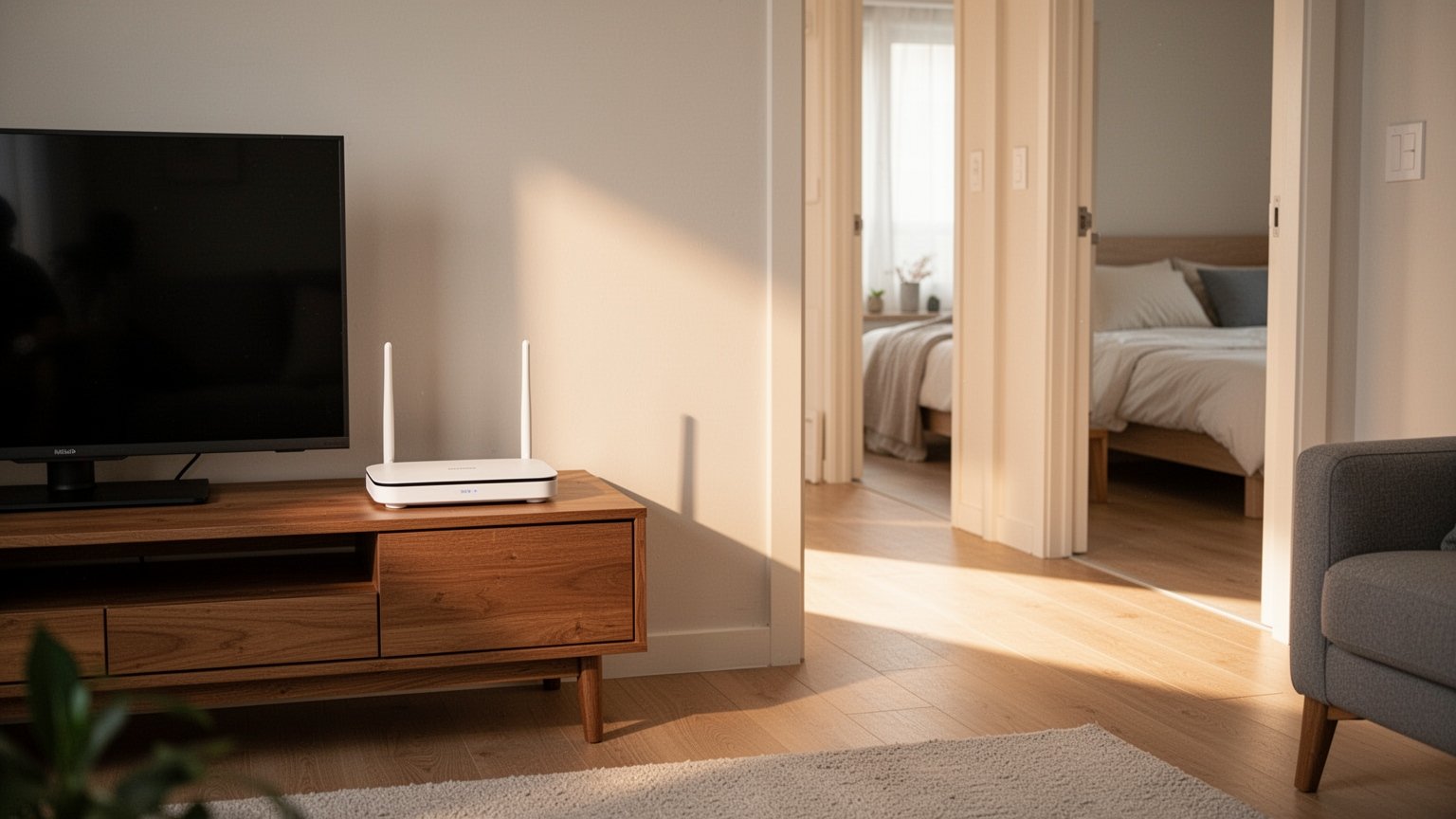
Have you ever enjoyed full Wi-Fi bars in the living room, only to see the signal drop to a single bar the moment you step into your bedroom? Many people plug in a cheap $10 to $15 (10,000 to 20,000 KRW) Wi-Fi extender expecting double the speed. Yet once it is plugged in, the internet often feels laggier and drops connection more than before. Why does that happen?
Quick Summary
- Standard Wi-Fi extenders use half-duplex communication to relay data back and forth, cutting theoretical maximum speeds by up to 50%.
- Extenders create a separate network name (SSID), causing connection stutters and lag when moving between rooms.
- If your rooms have active Ethernet wall ports, setting up a wired backhaul EasyMesh system with two routers provides full speed at the lowest cost.
- For larger homes over 1,000 sq ft without wall Ethernet wiring, a tri-band mesh system priced above $150 (200,000 KRW) with a dedicated wireless backhaul is the safest choice.
Why Extenders Cut Speed in Half: The Walkie-Talkie Effect
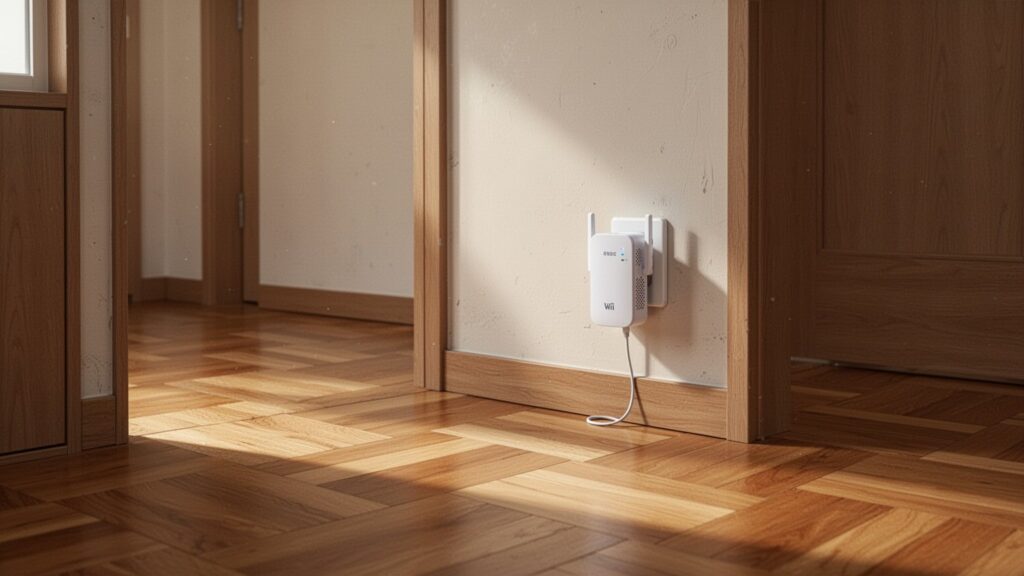
A Wi-Fi extender does not boost your internet speed. It simply acts as a relay runner, catching the signal from your main router and passing it along to your phone.
The problem lies in how standard wireless hardware communicates. Most extenders operate in half-duplex mode—much like a walkie-talkie where you cannot talk and listen at the same time. The extender receives data from the router, pauses, and then sends it to your device. Alternating back and forth cuts theoretical bandwidth by up to 50% immediately.
Daisy-chaining another extender cuts the remaining speed to a quarter, and a third drops it to one-eighth. Placing an extender directly inside a dead zone only repeats a degraded signal. An extender must always be plugged into an outlet midway between the router and the dead zone, where the signal is still strong.
Why Your Connection Stutters Between Rooms: Split Wi-Fi Names
With an extender, walking from the living room to a bedroom often buffers your video stream or delays messaging app notifications. This happens because the extender broadcasts a separate network name (SSID).
Smartphones tend to cling to the original router signal until it drops completely. Even when down to one bar and data stops flowing, your phone will not switch to the stronger extender signal nearby on its own. You are left having to manually swap networks in settings.
Some dual-band extenders reduce throughput loss by dedicating one band (2.4 GHz or 5 GHz) to the router and the other to devices. However, depending on walls and physical interference, real-world speeds still vary substantially.
Related Articles
How to Share Your Wi-Fi Password Instantly via QR Code
2.4 GHz vs 5 GHz Wi-Fi: Which Band Gives You Faster Speeds?
What Makes Mesh Wi-Fi Different: Seamless Roaming
Mesh Wi-Fi was developed to eliminate these exact issues. Multiple wireless nodes link together into a single unified network, broadcasting one single Wi-Fi name (SSID) across your entire home.
The standout feature is seamless roaming. Built on protocols like IEEE 802.11k/v/r and standards like Wi-Fi EasyMesh, the system hands your device off to the strongest node automatically as you move. You can walk through the house on a video call or during an online game without noticeable dropouts.
Tri-band mesh systems avoid speed loss entirely by reserving a third dedicated wireless channel (backhaul) solely for communication between nodes. While EasyMesh is an industry standard, protocol handling often differs by brand, so it is best to stick with nodes from the same manufacturer for reliable roaming.
Which Setup Fits Your Home? Cost and Buyer Guide
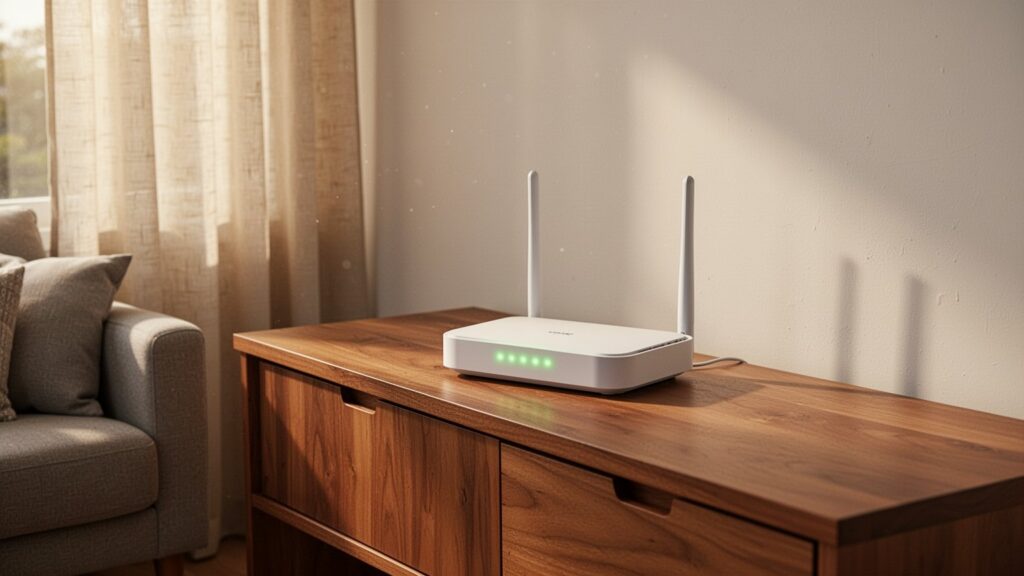
The best setup depends on your floor plan and budget. You do not always need to spend top dollar on a mesh system.
| Product Type | Example Models | Typical Price | Speed Retention | Best For |
|---|---|---|---|---|
| Budget Extender | ipTIME Extender-N3, TP-Link RE200 | $13–$20 (16,900–25,600 KRW) | Under 50% | Studio apartments, covering 1 small room |
| High-Performance Extender | ipTIME Extender-AX3000 | about $52 (68,460 KRW) | Varies by setup | Stationary single dead-zone room |
| Wired Backhaul EasyMesh | Two routers (e.g., ipTIME BE5100M) | about $70–$140 (90,000–180,000 KRW) | Near 100% | Homes with working wall Ethernet ports |
| Premium Wireless Mesh | Netgear Orbi RBK20, etc. | about $230 (299,000 KRW) | High speed | Large homes over 1,000 sq ft without wall Ethernet |
Some internet providers offer extender rentals for around $1.30 (1,650 KRW) per month, so check your plan first. But the most cost-effective option is an Ethernet backhaul. Connecting two budget EasyMesh routers—costing roughly $40 to $70 (50,000 to 90,000 KRW) each—through wall ports delivers nearly 100% of your subscribed internet speed with zero wireless loss.
Check if the room with weak Wi-Fi has an active Ethernet wall port. If it does, wiring two routers via Ethernet backhaul is far faster, cheaper, and more reliable than buying a standalone extender.
Recommended Reading
- Wi-Fi 6 vs. Wi-Fi 5: What Are the Real Differences?
- Why Typing 1.1.1.1 Fixes Public Wi-Fi Login Screens That Won’t Load
- Do More Antennas on a Router Actually Mean Faster Wi-Fi?
- How to Find Your Saved Wi-Fi Password on a PC in 10 Seconds
답글 남기기