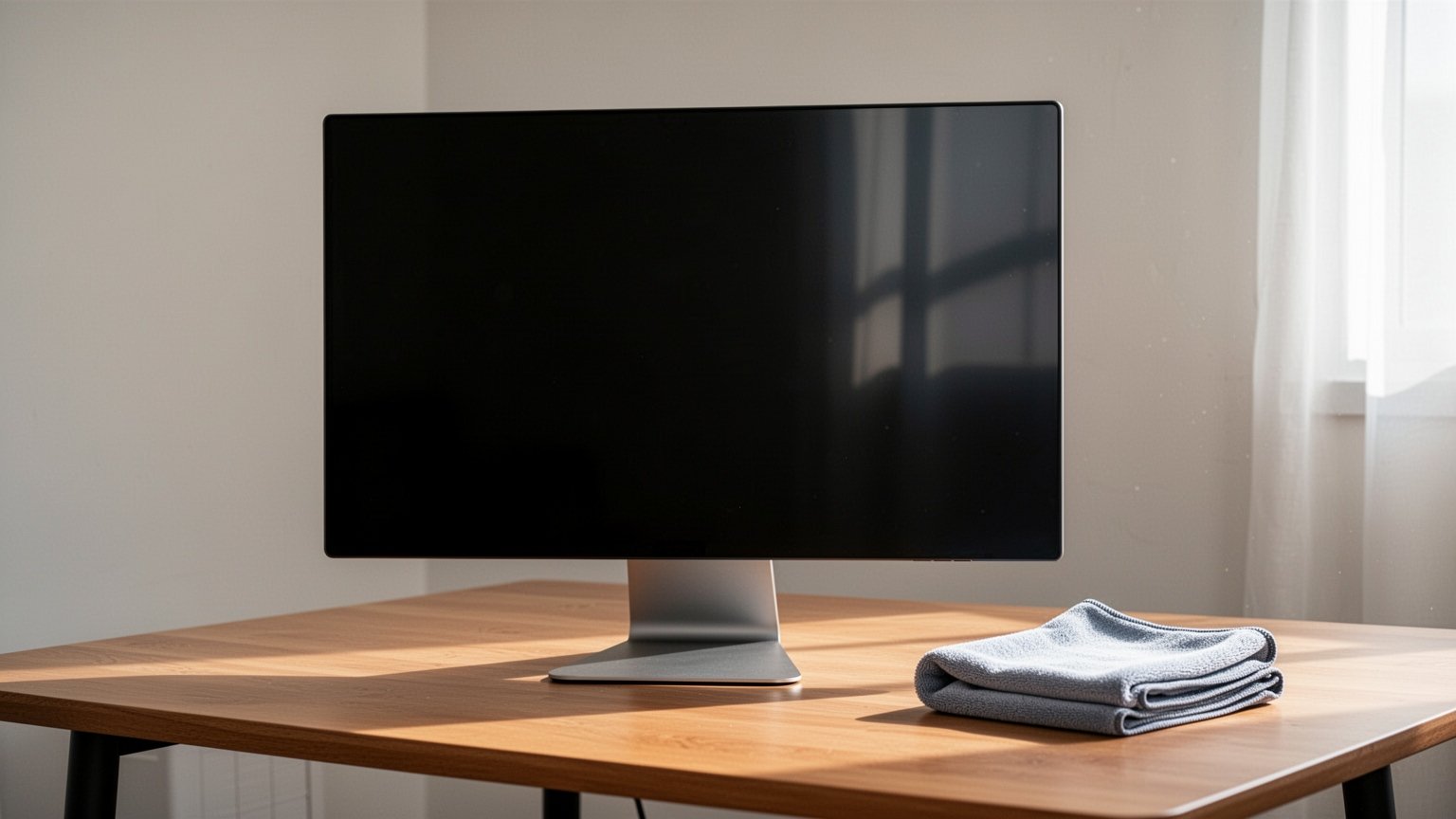
When you see fingerprints or grease smudges on your computer screen, it is tempting to reach for a nearby wet wipe or rubbing alcohol. It might look clean at first, but once dry, it often leaves cloudy smudges or streaks behind. What should you actually use to safely clean the screen you look at every day?
Key Takeaways
- Wet wipes, rubbing alcohol, and glass cleaners dissolve anti-glare (AG) and oleophobic coatings, leaving permanent blemishes.
- Spraying liquid or water directly onto the screen can seep into the bottom seams and corrode internal circuits.
- The safest method is to turn off the monitor, let it cool for 5 to 10 minutes, and gently wipe in one direction using a microfiber cloth lightly dampened with water.
- Panel damage caused by improper chemicals is classified as customer-induced damage by manufacturers like Dell and is not covered under warranty.
How a Single Wet Wipe Ruins an Expensive Display Panel
Modern LCD and OLED screens look like solid glass, but their surface is remarkably delicate. They are finished with thin layers of anti-glare (AG) coating to reduce reflections and oleophobic (AF) organic coating to resist fingerprints.
This surface is similar to a non-stick Teflon pan. Just as steel wool or harsh chemicals strip the non-stick layer, organic solvents like alcohol, acetone, glass cleaner (ammonia), and benzene break down the chemical bonds on a display panel. The preservatives and antibacterial agents in wet wipes also erode these delicate coatings.
Once stripped, the damaged coating leaves patchy stains or bluish discolorations that cannot be repaired. In fact, Dell classifies screen damage caused by improper cleaning as Customer Induced Damage (CID), excluding it from standard warranty coverage.
Related Reading
Office Monitors: Should You Buy an IPS or VA Panel?
How to Test a New Monitor for Dead Pixels and Backlight Bleed in 1 Minute
How Monitor Manufacturers Differ on Using Alcohol
Online advice is full of contradictions: some say rubbing alcohol is fine, while others warn it ruins screens instantly. This confusion stems from differing official guidelines across manufacturers.
LG Electronics and Dell strictly prohibit alcohol, citing surface discoloration and coating degradation. In contrast, Apple explicitly allows 70% isopropyl alcohol (IPA) wipes or 75% ethyl alcohol wipes for tough smudges and disinfecting. Lenovo suggests a 50/50 mixture of water and IPA. Samsung recommends water as the default, allowing alcohol only for severe stains like permanent marker, provided it is wiped away immediately with a dry cloth.
| Manufacturer | Recommended Cleaning Tool | Alcohol Policy | Strictly Prohibited |
|---|---|---|---|
| LG Electronics | Microfiber cloth, minimal water | Strictly prohibited | Wet wipes, glass cleaners, acetone |
| Samsung Electronics | Soft cloth, dry chamois | Allowed only for severe stains (e.g., permanent marker) | Leaving alcohol on the screen; wipe off immediately |
| Apple | Soft, lint-free cloth | 70% IPA or 75% ethyl alcohol permitted | Bleach, hydrogen peroxide products |
| Lenovo | Soft microfiber cloth | 50/50 water and IPA mixture permitted | Abrasive cleaners, excessive pressure |
Because manufacturer manuals do not disclose exact chemical tolerance tests for each panel, avoiding chemical solutions altogether is the safest route unless you face stubborn contaminants.
A Safe 4-Step Guide to Cleaning Your Screen
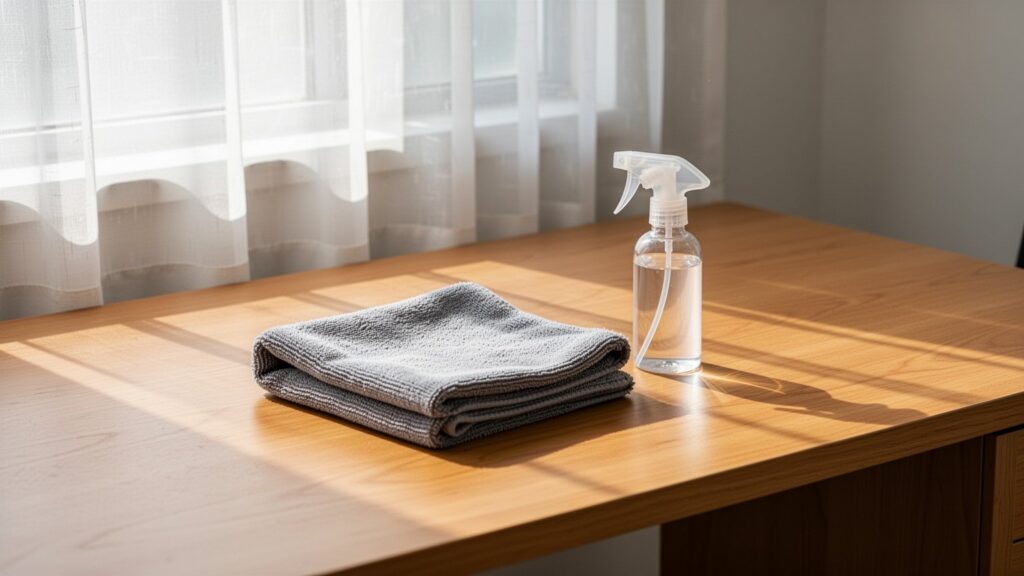
To keep an expensive monitor pristine without causing damage, the right tools and sequence matter. Paper towels and tissues contain wood fibers that can leave micro-scratches on the surface, so always use a microfiber cloth or lens cleaning wipe.
First, turn off the monitor, unplug it, and let it cool down for 5 to 10 minutes. This reduces static electricity and makes dust and smudges easier to see. Second, gently sweep away surface dust in one direction using a dry microfiber cloth. Third, if fingerprints or oil remain, spray water (preferably distilled water) 2 to 4 times onto the corner of the cloth—never directly onto the display. Spraying the panel directly lets liquid seep into bezel seams, corroding internal circuits. Fourth, gently buff away any remaining moisture with a dry part of the cloth to ensure the screen dries completely.
For specialized surfaces like Apple’s Nano-texture glass, use the included polishing cloth. Wash it by hand with soap and water, then let it air-dry for at least 24 hours before reusing it.
Put down the wet wipes and reach for a soft microfiber cloth instead.
Related Articles
- Dual Monitor Cursor Sticking at the Corner? Fix It in 1 Minute
- 144Hz Gaming Monitor: HDMI vs. DisplayPort Cable Guide
- How to Keep an External Monitor On When Closing Your Laptop Lid in Windows
- Bought a 144Hz Monitor but Stuck at 60Hz? How to Change Refresh Rate in Windows
답글 남기기