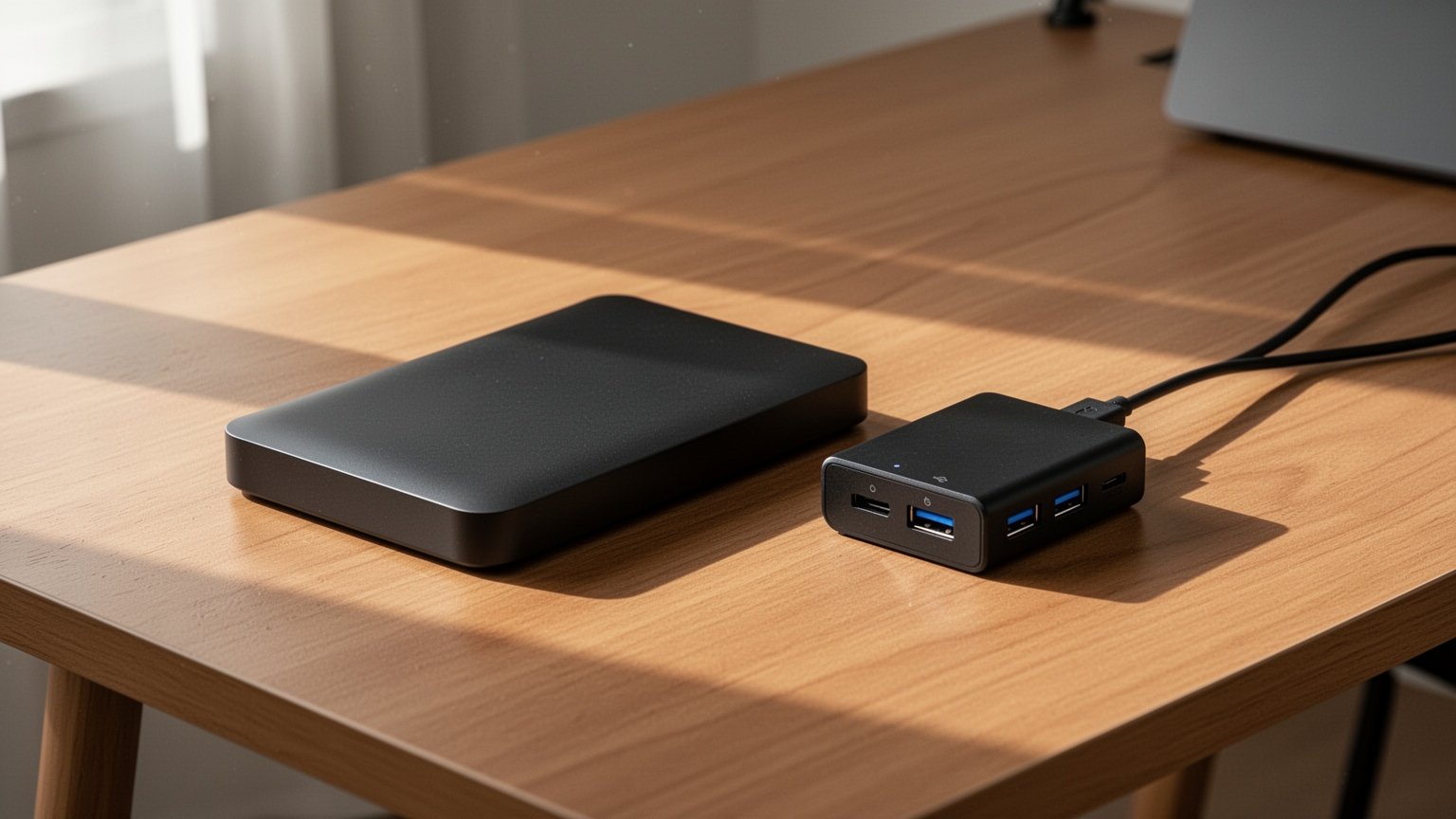
Have you ever plugged an external hard drive into a USB hub, only to hear the chime of a device constantly disconnecting and reconnecting? If you also hear an unfamiliar clicking sound coming from inside the drive, it is easy to worry that the hardware is broken. Why does an external hard drive that works perfectly when plugged directly into a computer fail whenever it goes through a hub?
Quick Summary
- Bus-powered hubs drop current to 100–500 mA per port, failing to supply the 1.0–1.2 A needed to spin up an external hard drive.
- Clicking noises and repeated disconnections caused by power shortages can corrupt partitions and cause RAW drive errors.
- For safety, connect external hard drives directly to the computer or use a self-powered hub with an external AC adapter.
- When buying a powered hub, make sure it includes backfeeding protection circuitry to prevent motherboard damage.
Spinning Up a Stopped Motor Requires the Most Power

An external hard drive works much like pushing a heavy cart. Just as getting a stationary cart to move takes maximum effort, the internal disks (platters) of a hard drive consume a surge of power when accelerating from a standstill to their target speed (typically 5,400 RPM). This phase is called “spin-up” or the startup stage.
During normal read and write operations, an external hard drive consumes an average of only 1.7 W to 2.1 W. In standby, consumption drops to between 0.5 W and 1.1 W. However, the initial moment of spinning up a stopped spindle motor demands a spike in current that far exceeds normal operating levels.
Online forums often cite 1.5 A as the startup current for 2.5-inch portable drives. Official Seagate datasheets, however, list the startup current as 1.0 A for 1 TB to 2 TB models and 1.2 A for 3 TB to 5 TB drives. The 1.5 A figure likely accounts for conversion losses in external enclosures or is confused with 3.5-inch desktop drive requirements (12 V at 1.5 A to 2.0 A). Even so, drawing 1.0 A or more is substantial for a standard peripheral.
Bus-Powered Hubs Split a Single Port’s Power Across Multiple Devices
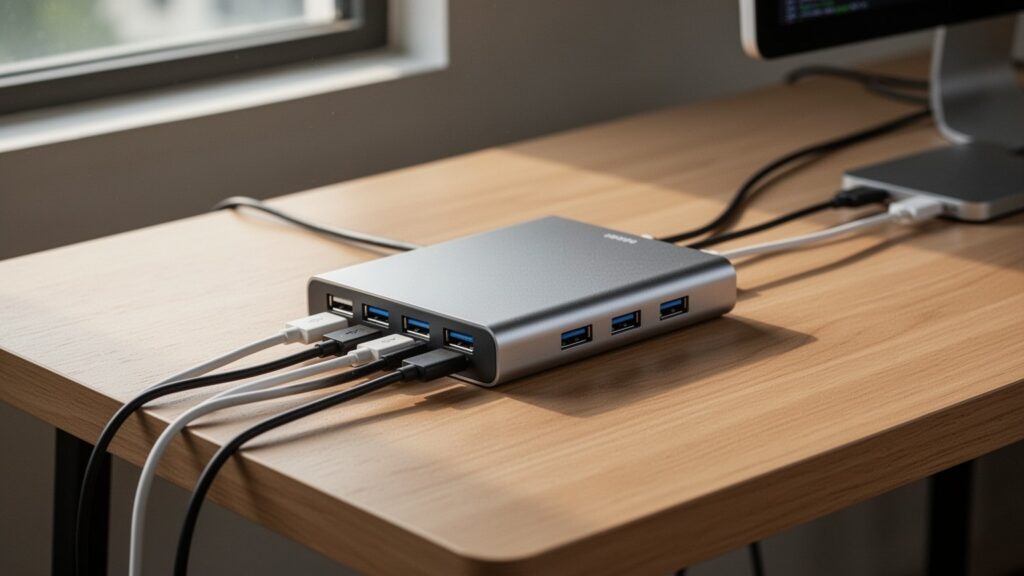
Under standard specifications, a laptop USB 3.0 port outputs 5 V at 900 mA (up to 4.5 W). When you plug an external hard drive directly into the laptop, the full 900 mA is dedicated to that single device, narrowly meeting the spin-up threshold so the drive can operate normally.
In contrast, a bus-powered hub without an external power supply splits that 900 mA between its own controller chipset and several downstream ports. If a wireless mouse receiver or keyboard is also attached, the current allocated to the hard drive’s port can drop to a meager 100 mA to 500 mA.
| Category | Current (Supplied / Consumed) | Power (at 5V) | Status & Notes |
|---|---|---|---|
| USB 2.0 Host Port | Up to 500 mA | 2.5 W | Legacy port supply limit |
| USB 3.0 Host Port | Up to 900 mA | 4.5 W | Standard laptop direct connection |
| Bus-Powered Hub Downstream Port | 100 mA – 500 mA | 0.5 W – 2.5 W | Drops due to multi-port distribution |
| 2.5-inch External HDD (Normal) | Approx. 340 mA – 420 mA | 1.7 W – 2.1 W | During read/write operations |
| 2.5-inch External HDD (Spin-up) | 1.0 A – 1.2 A | 5.0 W – 6.0 W | Peak startup current for motor |
When available current falls short of what the motor demands, voltage drops sharply—a condition known as voltage sag. Deprived of power, the hard drive stops its motor and parks its read/write heads in the landing zone, producing an audible clicking sound. The controller chipset then repeatedly resets, triggering a loop of connecting and disconnecting. Depending on the laptop’s power headroom, a bus-powered hub might occasionally recognize the drive, but the connection is prone to dropping as soon as a heavy file transfer begins.
Related Reading
Is It Really Safe to Unplug a USB Drive Without Ejecting?
NTFS vs exFAT vs FAT32: Which Format Should You Choose for USB Drives?
Beyond Connection Drops: Power Loss Can Permanently Damage the Drive
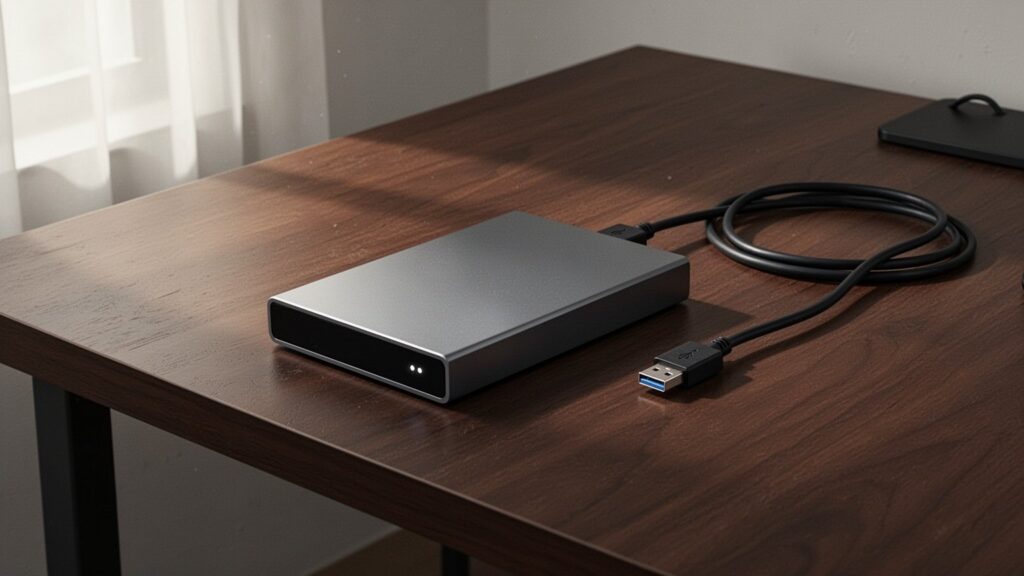
Repeated disconnects should never be brushed off as simple loose connections. When a drive shuts down abruptly from insufficient power, it is the equivalent of yanking the power cord out of a running computer.
If a drive disconnects while copying or writing files, the MBR or GPT table storing partition data can become corrupt. When this happens, Windows may display the drive as having 0 bytes or mark the file system as “RAW,” preventing access to any folders. Sudden head retractions can also graze the platter surface, creating physical bad sectors.
Operating system power management can also play a role. If Windows has “USB selective suspend” enabled, or if Device Manager allows the computer to turn off the USB Root Hub to save power, the system may shut off power to the drive unexpectedly. If connections remain unstable, disabling these power-saving settings in Windows Power Options is a sensible troubleshooting step.
Safe Usage Requires a Dedicated Power Adapter and Backfeed Protection
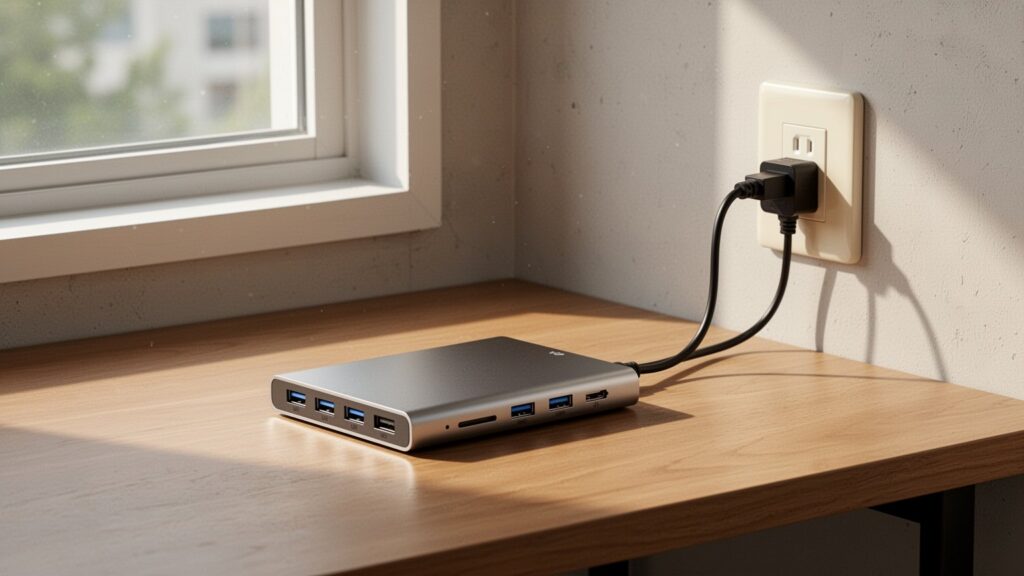
To run an external hard drive reliably through a hub, always choose a self-powered hub that plugs into an AC wall outlet. Powered hubs provide an independent supply of at least 5 V and 900 mA to each port via their dedicated AC/DC adapter, preventing voltage sags during motor spin-up.
When choosing a powered hub, verify that it includes backfeeding protection. Cheaply built hubs often lack protective diodes (diode-OR circuitry), allowing power from the hub’s AC adapter to feed back into the computer’s motherboard. Backfeeding can prevent the computer from booting properly or even fry the host USB controller chipset.
There is currently no standardized certification logo on retail packaging to indicate backfeed protection. The safest approach is to check the product specifications and documentation directly for terms like “backfeed protection,” “reverse current protection,” or “diode-protected design” before purchasing.
Plug external hard drives directly into your computer whenever possible; if you must use a hub, choose a self-powered model equipped with backfeed protection.
답글 남기기