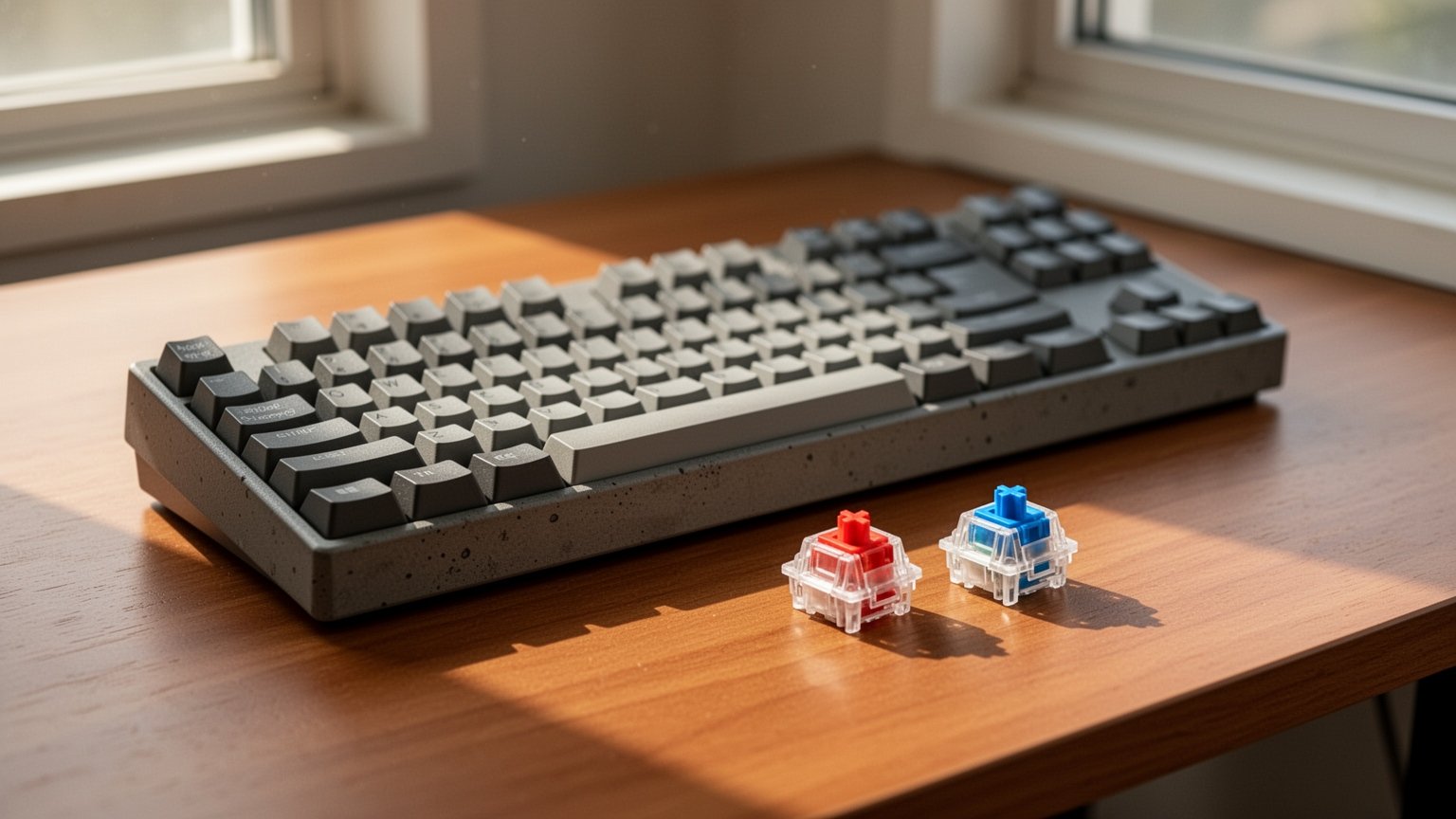
Ever brought a new mechanical keyboard to the office only to get dirty looks from coworkers? Or bought one for gaming, only to find the keys so heavy your fingers ached? They might look identical on the outside, but the switch underneath changes the sound and typing feel completely. Here is how they differ.
Quick Summary
- Blue (68 dB / 60 cN): Clicky sound with strong tactile feedback. Loud noise makes it best for private rooms and gaming.
- Brown (52 dB / 55 cN): Tactile bump without the loud click. Great for typing, but still requires caution in quiet offices.
- Red (45 dB / 45 cN): Smooth linear travel with 45 cN actuation force. Ideal for fast, repeated keystrokes in gaming.
- Silent Red (35.6 dB / 45 cN): Built-in silicone dampeners make it quieter than standard membrane keyboards (43.2 dB). Best choice for the office.
Blue vs Brown vs Red: Tactile Bumps and Click Mechanisms Explained
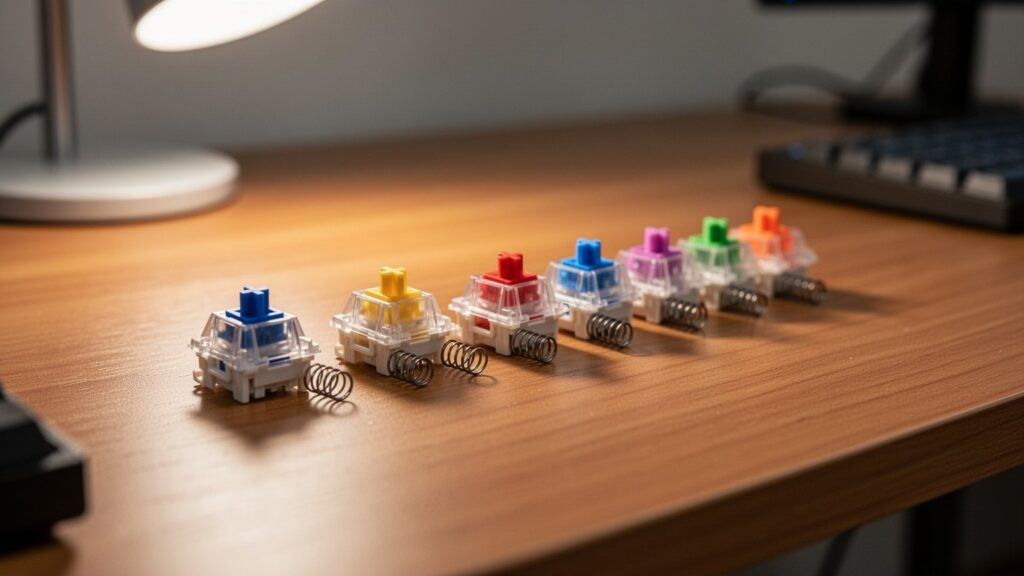
Mechanical keyboards register a keypress when the internal stem moves downward. The shape of this stem and the internal mechanics determine both feel and noise.
- Blue (Clicky): Uses a click jacket or click bar mechanism. Pressing the key produces a distinct bump and an audible “click,” similar to clicking a ballpoint pen.
- Brown (Tactile): Has a small bump on the stem to provide physical feedback without an audible clicking mechanism, making it quieter than Blue switches.
- Red (Linear): Features a smooth, straight stem. The key presses straight down to the bottom without any tactile bump, offering minimal resistance.
- Silent Red: Adds internal silicone dampeners at the top and bottom of the switch housing to physically silence the sound of the stem bottoming out and springing back.
According to standard Cherry MX specifications, actuation forces and travel distances also vary across switches:
| Switch Type | Peak Force | Actuation Force | Pre-travel | Total Travel | Durability Rating |
|---|---|---|---|---|---|
| Blue | 60 cN | 50 cN | 2.2 mm | 4.0 mm | 50M+ clicks |
| Brown | 55 cN | 45 cN | 2.0 mm | 4.0 mm | 100M+ clicks |
| Red | 45 cN | 45 cN | 2.0 mm | 4.0 mm | 100M+ clicks |
| Silent Red | 45 cN | 45 cN | 1.9 mm | 3.7 mm | 50M+ clicks |
Are They Safe for the Office? Measured Noise Levels (dB)
Before using a mechanical keyboard in shared spaces like offices or libraries, checking actual decibel levels is essential. Measured test data reveals a clear noise hierarchy between switches.
| Switch Type | Measured Noise Level | Office Suitability |
|---|---|---|
| Blue | ~68 dB | Not Recommended (Too loud) |
| Brown | ~52 dB | Use Caution (Audible in quiet rooms) |
| Red | ~45 dB | Use Caution (Bottom-out clack remains) |
| Standard Membrane | ~43.2 dB | Generally Acceptable |
| Silent Tactile | ~38 dB | Suitable |
| Silent Red | ~35.6 dB | Highly Recommended (Quietest) |
While exact figures vary by testing setup—Das Keyboard benchmarks list Blue at 64 dB, Brown at 59 dB, and Silent Red at 52 dB—the relative noise ranking remains consistent: Blue > Brown > Red > Silent switches.
Some beginner guides recommend standard Red or Brown switches for office use. However, if you type heavily, bottoming out will still generate 45 to 52 dB of noise. For quiet or open-plan offices, choosing Silent Red or Silent Tactile switches with silicone dampeners is the safest route.
Gaming vs Office: How to Choose the Right Switch
Matching your switch type to your primary tasks and environment reduces finger fatigue and improves your daily typing experience.
- Fast-Paced Gaming (FPS, MOBA): Red switches are ideal. The smooth 45 cN linear actuation allows rapid double-tapping without finger resistance.
- Quiet Office Typing: Silent Red or Silent Tactile switches keep noise in the mid-30 dB range. Being quieter than standard membrane keyboards (43.2 dB), you can type freely without disturbing colleagues.
- Crisp Typing in Private Spaces: If you want clear physical feedback and satisfying sound, choose Blue or Brown switches. The tactile bump helps prevent typos while maintaining a distinct typing feel.
Keep in mind that overall keyboard noise also depends on mounting plates, internal foam dampening, gasket designs, lubricated stabilizers, and how hard you bottom out keys.
For a quiet workspace, go with Silent Red or Silent Tactile switches. For fast gaming reactions, a 45 cN Red switch remains the top choice.
References
- vertexaisearch.cloud.google.com
- vertexaisearch.cloud.google.com
- vertexaisearch.cloud.google.com
- vertexaisearch.cloud.google.com
- youtube.com
답글 남기기