
When browsing sensitive topics at work or on shared computers, opening a Chrome Incognito window is often second nature. It feels like closing the tab erases every trace of where you have been. But does Incognito really stop your company’s network administrator or internet service provider from seeing your traffic?
Quick Summary
- Browser traces: Closing the window wipes browsing history and cookies, but downloaded files and bookmarks remain on your computer.
- Network traces: Your ISP and corporate firewalls log every domain and destination IP address in real time.
- Operating system cache: Windows stores domain names in local cache, which can be cleared with the
ipconfig /flushdnscommand.- Search queries: Standard networks only log the domain address; inspecting specific search terms or URLs requires custom corporate SSL certificates installed on the machine.
Incognito Mode Only Cleans Up Your Local Machine

Closing a Chrome Incognito window immediately deletes your browsing history, cookies, site data, and form autofill entries. However, any files you downloaded and bookmarks you created remain stored on your local drive.
Think of it like writing in a notebook and then erasing it with a pencil eraser. It is strictly a “local privacy” feature designed to keep family members or coworkers who share the same computer from seeing what you were doing.
It does not cloak or erase the network traffic leaving your computer.
Work Routers and ISPs Still See Every Domain You Visit
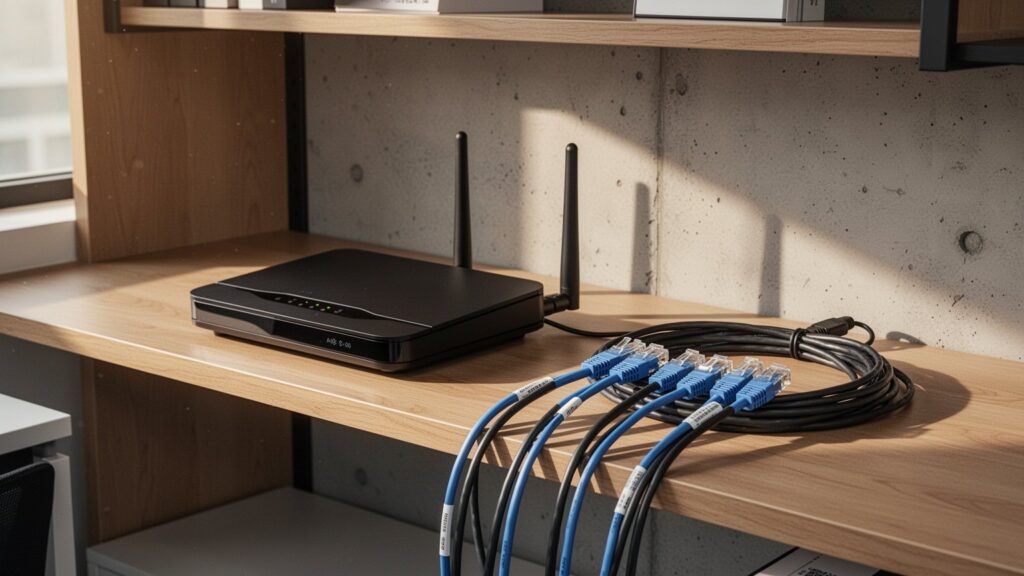
Internet routing works much like postal mail. Even if the letter’s contents are encrypted (via HTTPS) inside a sealed envelope, mail carriers and distribution centers must still read the destination address to deliver it. Network hardware must read the IP address and domain name to route your traffic.
When your browser connects to a website, the DNS query sent to your local router or your ISP’s DNS servers is logged in real time. In addition, during the initial TLS handshake, the domain name is sent unencrypted via Server Name Indication (SNI). Corporate firewalls and routers use this to immediately identify and block restricted sites.
| Data Category | Incognito Browser | Windows OS Cache | Corporate Firewall & ISP |
|---|---|---|---|
| History & Cookies | Deleted immediately upon closing | Not recorded | Not recorded |
| Downloads & Bookmarks | Kept on PC drive | Kept on PC | Detects transfer traffic only |
| Visited Domains & IPs | Not recorded | Retained in cache | Logged in real time |
| Network Filtering | Cannot bypass | N/A | Detected and blocked in real time |
Windows Keeps Its Own Hidden Footprints
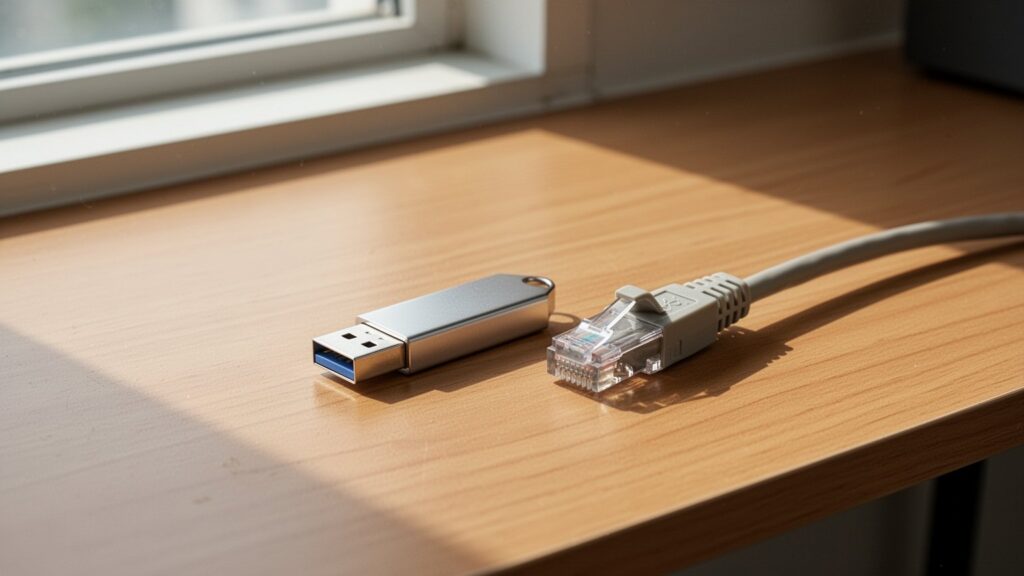
Even when Chrome stops recording history, your operating system caches DNS queries in memory to speed up future connections.
If you open the Windows Command Prompt and run ipconfig /displaydns, you will see a list of domains queried while using Incognito mode. To clear this cache completely, you must run ipconfig /flushdns.
Whether a network administrator can see exact search queries or full page URLs depends on the setup. Standard routers and basic firewalls only log destination domains and IP addresses. To inspect exact search phrases or specific subpages over HTTPS, the company must pre-install a custom root security certificate (for SSL/TLS decryption) directly on your work computer.
Google’s Own Warnings and Lawsuits Confirm Incognito’s Limits

Google’s official support documentation states that Incognito mode does not hide your browsing from websites you visit, your employer or school, or your internet service provider.
In fact, following a $5 billion (about 6.45 to 6.6 trillion KRW) class-action lawsuit alleging unauthorized tracking in Incognito mode, Google agreed in April 2024 to delete billions of private browsing records older than nine months and update its new-tab disclaimer to state clearly that data is collected.
Incognito mode prevents other people using the same computer from seeing your history. It is not a shield against network administrators.
Because sites visited on work Wi-Fi or company PCs are recorded on the network even in Incognito mode, keep personal browsing on your phone’s cellular data.
답글 남기기