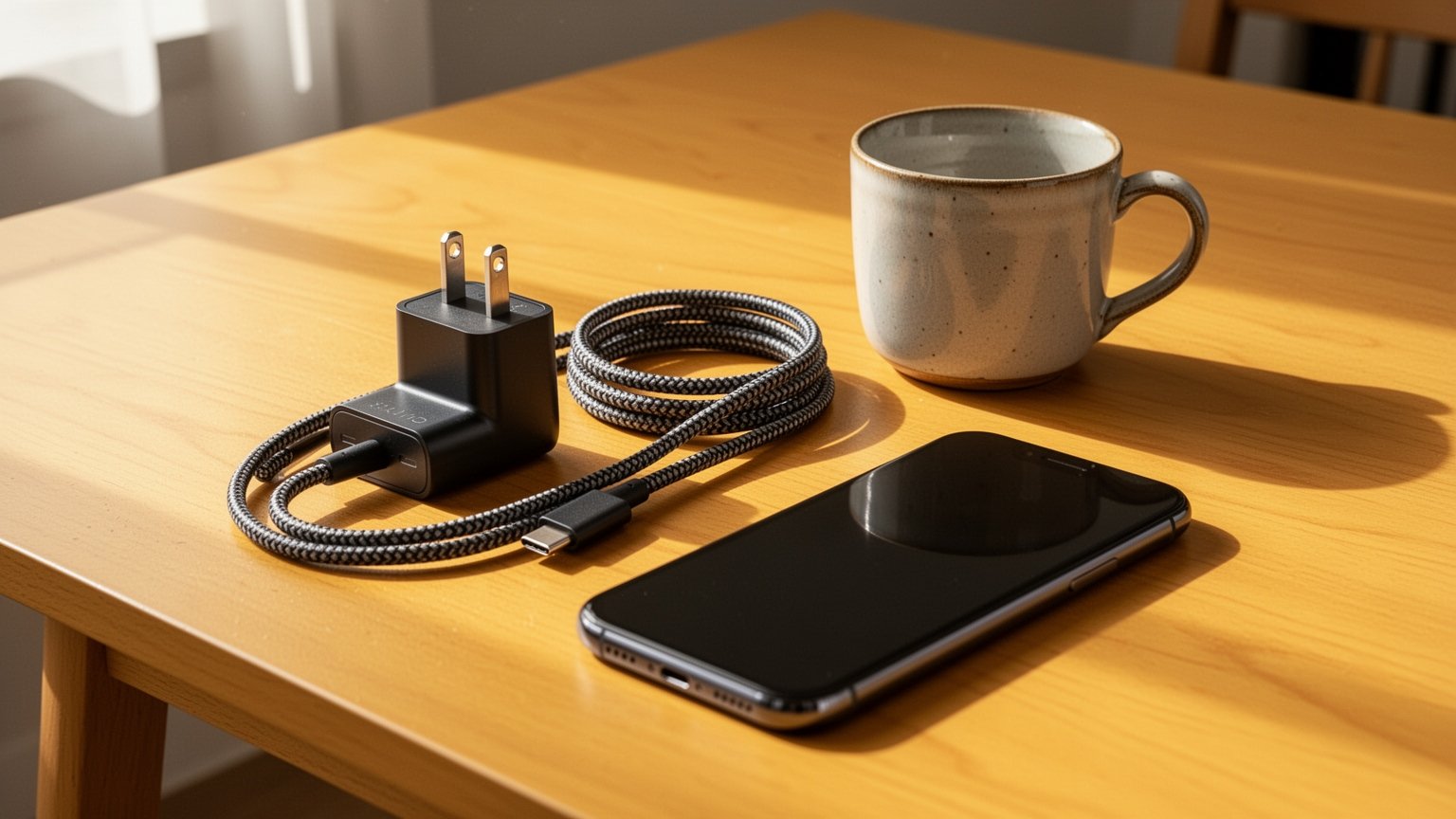
Ever hesitated to plug your bulky 65W USB-C laptop charger into your smartphone? It is easy to worry that the extra wattage might overheat the battery or ruin your device. Is it actually safe to use a high-output laptop adapter with your phone?
Quick Summary
- Safety: It is completely safe. The phone’s power management chip pulls only what it supports (usually 15W to 25W), regardless of the 65W supply.
- Failsafe: Chargers start at a safe 5V baseline and only switch to 9V, 15V, or 20V after completing a digital handshake.
- Cable Rating: Speeds above 45W require a 5A (100W) cable with a built-in E-Marker chip.
- Fast Charging 2.0: Full 45W charging requires both a PPS-compatible charger and a 5A cable.
Why High-Wattage Chargers Won’t Damage Your Phone
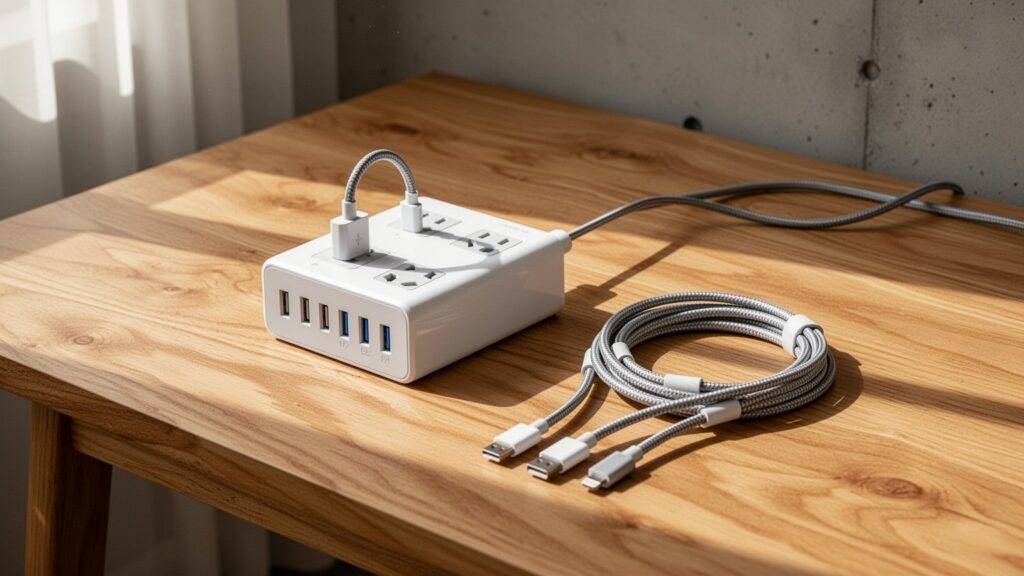
In short, connecting a 65W or 100W charger to a 25W-rated phone causes zero harm. The wattage printed on a charger is not the amount of electricity forced into the device—it is simply the maximum output the charger can deliver.
Think of it like a buffet. Even if 65 servings of food (power) are available, a plate (the smartphone) sized for 25 servings takes only what it can hold.
The secret lies in the digital handshake of the USB-PD (Power Delivery) standard. Devices communicate over the Configuration Channel (CC) pins inside the USB-C cable. When the smartphone’s power management IC requests 25W, the charger approves the request and delivers only that exact amount.
The Two-Step Safety Check That Prevents Voltage Surges
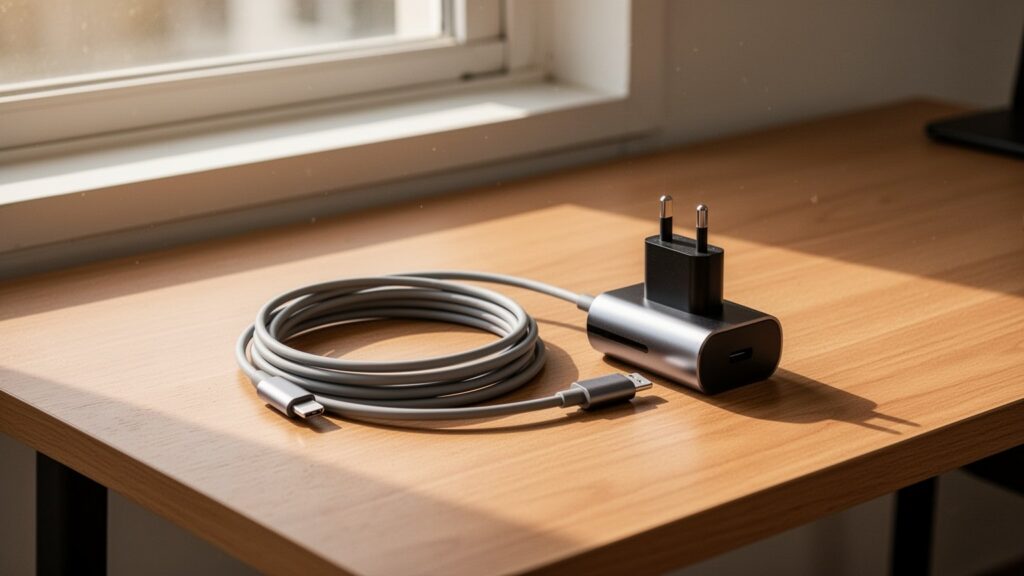
A USB-PD charger does not blast 20V the moment it is plugged in. Every connection starts at the safe baseline level of 5V to begin communication.
Only after both sides negotiate and confirm their specifications does the charger step up to fast-charging voltages like 9V, 15V, or 20V. If the handshake fails, the charger remains locked at 5V to protect the phone’s internal circuitry.
| Charging Tier | Voltage (V) | Max Current (A) | Max Output (W) | Primary Devices |
|---|---|---|---|---|
| Baseline / Low Power | 5V | 3A | 15W | Wireless earbuds, standard smartphone charging |
| Fast Charging | 9V | 3A | 27W | Smartphones, compact gadgets |
| Mid-Output Fast Charging | 15V | 3A | 45W | Tablets, select ultraportable laptops |
| High-Output Fast Charging | 20V | 3.25A / 5A | 65W / 100W | Standard laptops, high-performance tablets |
| EPR High Output | Up to 48V | 5A | Up to 240W | Workstation laptops, high-power equipment |
Source: USB-IF Standard Specifications
Why Cable Ratings Matter for 45W+ Fast Charging
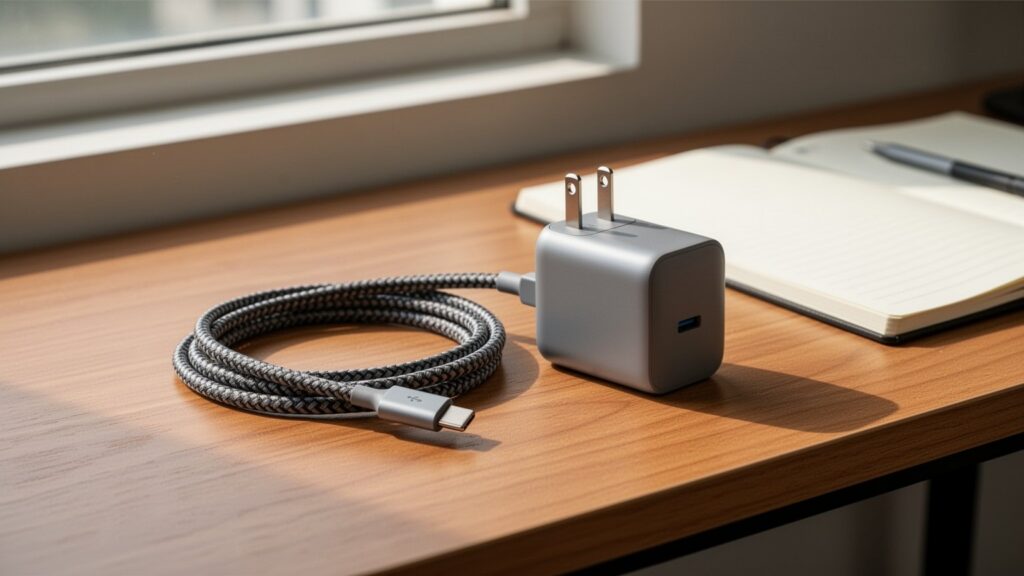
Even with a 65W charger, you will not get maximum speed if your cable is under-specced. Standard USB-C to C cables are divided into two main categories: 3A (60W) and 5A (100W).
To carry currents over 3A safely, a cable requires an internal electronic marker chip called an ‘E-Marker’. Samsung’s 45W Super Fast Charging 2.0 requires both a PPS (Programmable Power Supply) enabled charger and a 5A E-Marker cable.
Pairing a 65W charger with a standard 3A cable caps your phone’s charging speed around 25W. This is why checking cable current ratings is essential.
| Cable Type | Current Rating | Max Supported Output | Reference Price (Samsung Service) |
|---|---|---|---|
| Standard USB-C to C Cable | 3A | Up to 60W (20V/3A) | about $12 (16,000 KRW, 1.8m) |
| E-Marker USB-C to C Cable | 5A | Up to 100W (20V/5A) | about $17 (23,000 KRW, 1.8m) |
Note: Samsung’s 65W PD 3.0 PPS charger retails for about $48 (65,000 KRW).
Best Practices and Safety Precautions

High-wattage PD chargers are safest when paired with certified cables. Cheap, uncertified cables with defective or missing E-Marker chips may fail to manage power properly, so stick to certified brands.
Many users worry that frequent fast charging shortens battery lifespan. While modern power management minimizes wear, high temperatures remain a factor, and the exact degradation rate varies depending on usage conditions.
Avoid fast charging when your device is already hot. If you want a single charger for both your laptop and phone, pairing a 65W+ PPS adapter with a 5A (100W) cable is the ideal setup.
Check whether your current USB-C cable is rated for 3A (60W) or 5A (100W), and simplify your setup with a 65W+ PPS charger for all your devices.