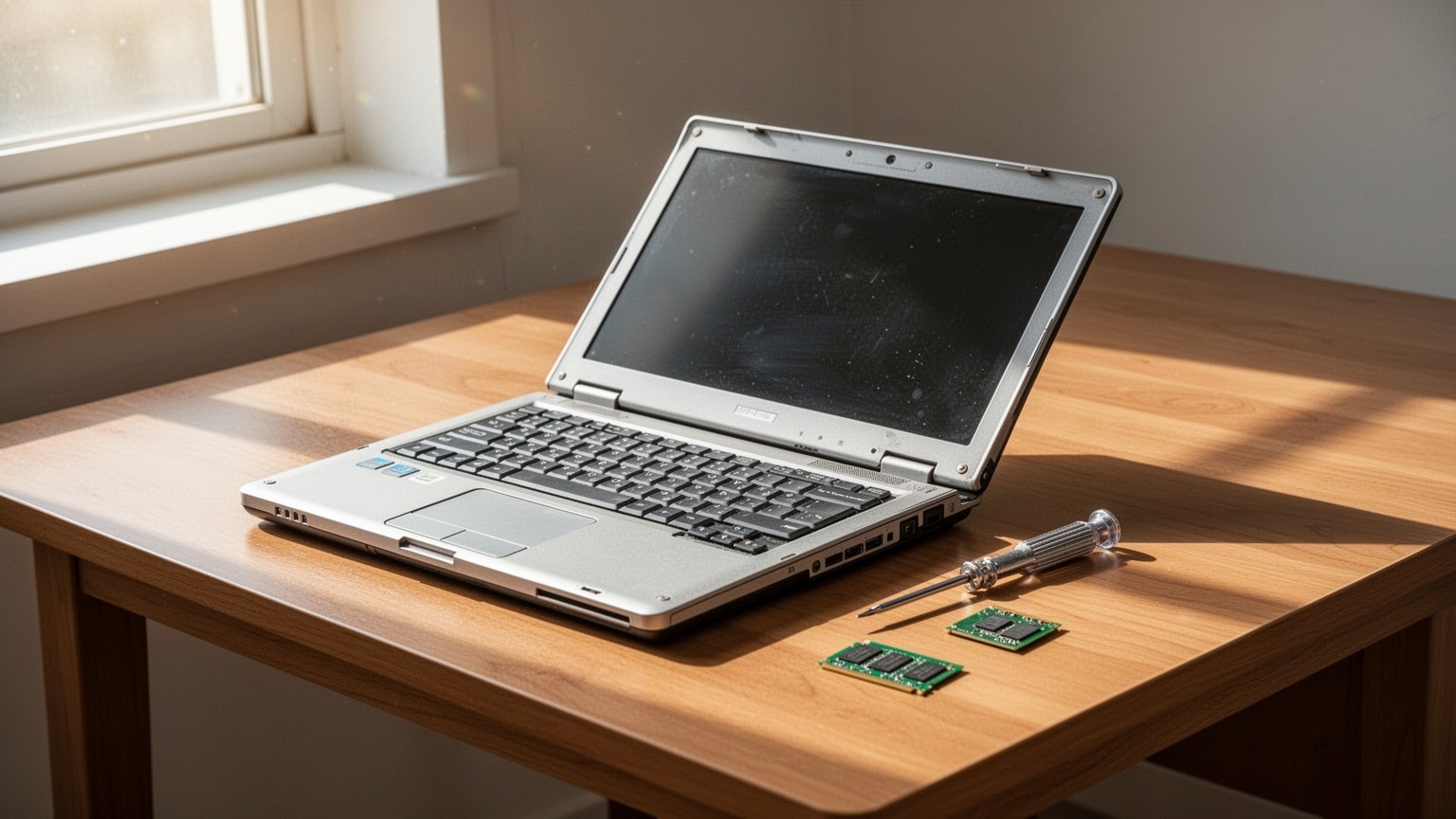
Ever turned on your laptop and had enough time to finish a cup of coffee before the desktop even loaded? Throwing it away feels wasteful, but spending over $380 (500,000 KRW) on a brand-new machine is hard to justify. Can swapping a few parts for around $75 (100,000 KRW) bring your old laptop back to life?
Quick Summary
- Upgrading to an SSD delivers the biggest performance boost (boot time drops from 1 minute to 10 seconds), and adding 8GB of RAM makes everyday tasks 15–30% faster.
- Doing a DIY upgrade costs around $65–$75 (90,000–100,000 KRW) total for both an SSD ($30–$50 / 40,000–70,000 KRW) and RAM ($20–$30 / 30,000–40,000 KRW).
- Upgrades are worth it mainly for laptops with at least an 8th Gen Intel or 2nd Gen AMD Ryzen quad-core CPU, which officially support Windows 11.
- If parts and labor exceed $110 (150,000 KRW), or if your device has an older 7th Gen Intel processor or below, buying a modern budget laptop for $300–$400 (400,000–500,000 KRW) is a smarter choice.
Which Laptop Parts Give the Biggest Speed Boost?
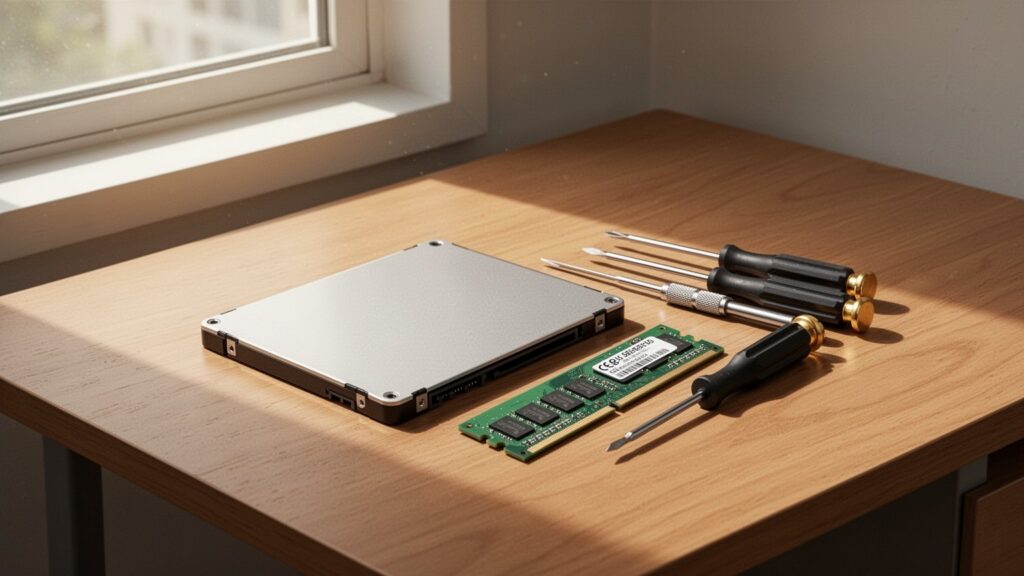
When upgrading a laptop, the components that offer the most noticeable real-world improvement rank in this order: SSD > RAM > CPU ≈ GPU. Think of it like paving a narrow, bumpy dirt road (an old HDD) into a smooth, open highway (an SSD).
Replacing an old mechanical hard drive (HDD) with a SATA or NVMe SSD brings the most dramatic difference. Boot times drop from over a minute to around 10 seconds, and lag when launching web browsers or office applications virtually disappears.
If your system currently runs on 4GB to 8GB of RAM, you likely experience stuttering when opening multiple browser tabs. Adding an 8GB stick to run dual-channel memory (8GB + 8GB) widens data bandwidth, delivering an immediate 15% to 30% performance boost.
How Much Do Replacement Parts and Labor Cost?
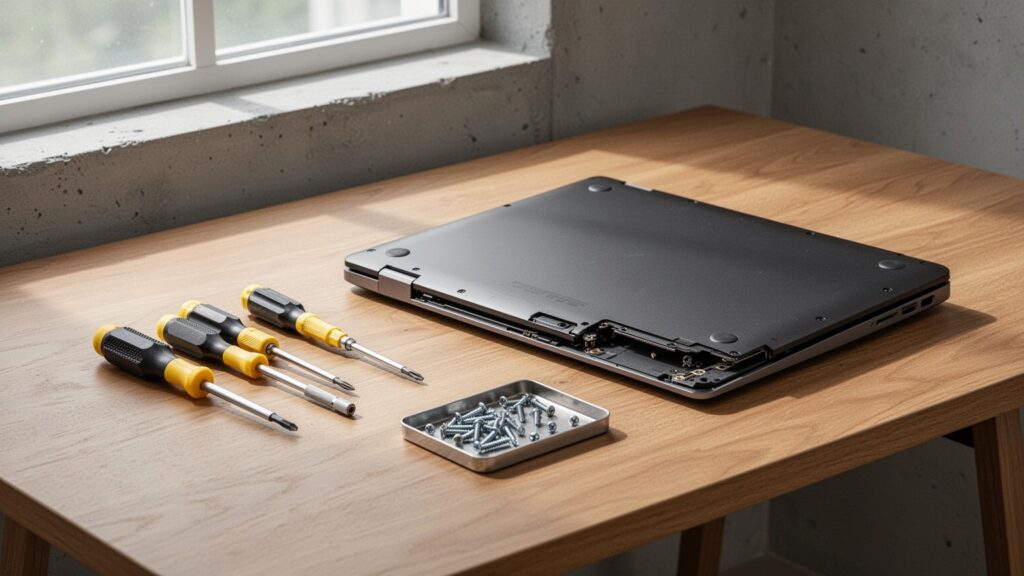
Upgrade costs depend heavily on whether you install the parts yourself or take the machine to a repair shop.
Buying components online and installing them yourself cuts the total cost almost in half. A laptop DDR4 8GB RAM stick costs about $20–$30 (30,000–40,000 KRW), while a 500GB SSD runs about $30–$50 (40,000–70,000 KRW). Replacing both costs around $65–$75 (90,000–100,000 KRW) in total.
| Item | DIY (Self-Purchase) | Repair Shop / Service Center (Including Labor) |
|---|---|---|
| 500GB SSD Replacement | About $30–$50 (40,000–70,000 KRW) | About $50–$110 (70,000–150,000 KRW, up to 200,000 KRW at official centers) |
| 8GB RAM Addition | About $20–$30 (30,000–40,000 KRW) | About $35–$75 (50,000–100,000 KRW) |
| SSD + RAM Upgrade | About $65–$75 (90,000–100,000 KRW) | About $90–$150+ (120,000–200,000+ KRW) |
Keep in mind that labor fees at authorized service centers or independent repair shops range from $15 to $40+ (20,000 to 50,000+ KRW), depending on the laptop brand and disassembly difficulty.
Is Your Laptop Spec Worth Upgrading?
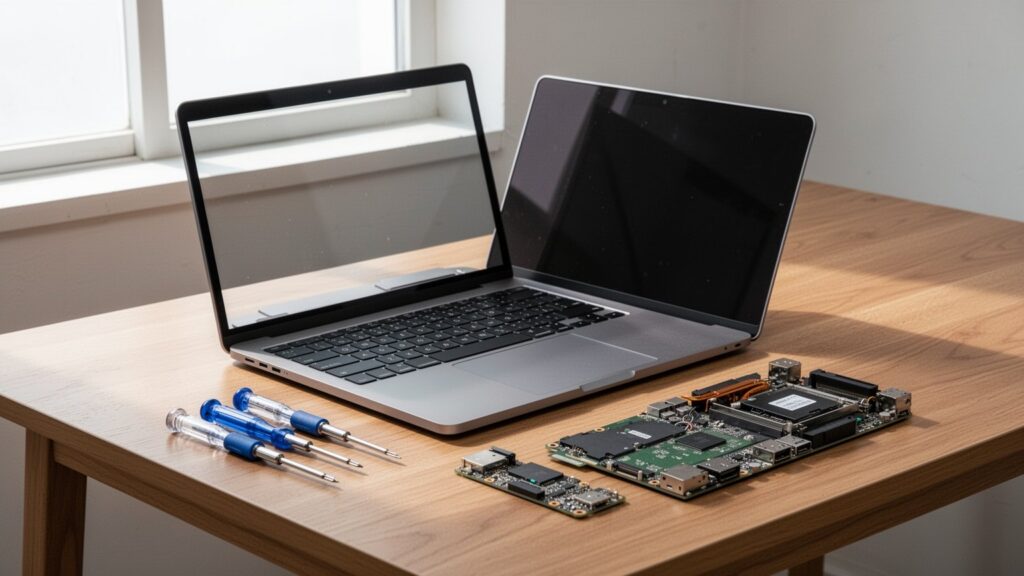
Not every slow laptop is worth upgrading. The CPU needs enough processing power to actually take advantage of the speed provided by a new SSD and extra RAM.
Upgrades are recommended for devices released within the past 3 to 5 years that feature at least an Intel 8th Gen (i3-8100, i5-8250U or higher) or AMD Ryzen 2nd Gen (3000/2000 series or higher) quad-core processor.
Because Microsoft ended official support for Windows 10 on October 14, 2025, running Windows 11 for ongoing security updates has become essential. Your laptop should meet official Windows 11 hardware requirements (TPM 2.0 support, Intel 8th Gen or Ryzen 2nd Gen and above) to remain safe and functional for the next 2 to 3 years.
Why Spending Over $110 Means You Should Just Buy New
Laptops over 7 years old with older dual-core CPUs (Intel 7th Gen or older) or legacy AMD APUs will still stutter during HD video playback and web browsing because the processor itself is a bottleneck. Additionally, many ultra-thin laptops feature on-board soldered RAM with no expansion slots, making memory upgrades impossible.
Modern entry-level laptops running Windows 11—equipped with Ryzen 5 7430U processors, 8GB–16GB RAM, and 512GB SSDs—typically sell for around $300–$400 (400,000–500,000 KRW). Popular models like the Lenovo IdeaPad Slim 3 or HP 15 series cost roughly $380–$430 (507,000–569,000 KRW).
If parts and labor exceed $110–$150 (150,000–200,000 KRW), factoring in worn-out batteries and aging display panels makes buying a new budget laptop much more cost-effective.
Check your CPU generation and available RAM slots in Task Manager first to see if a DIY upgrade under $75 (100,000 KRW) is feasible for your machine.