Staring at a monitor for over 8 hours a day doing office work or browsing the web can easily cause eye strain. When shopping for a budget monitor around $150 (200,000 KRW), deciding between IPS and VA panels is often the biggest hurdle. Which panel actually fits your workflow?
Quick Summary
- Document work, spreadsheets, coding, and dual monitors: Choose an IPS panel (1–5ms response time) for sharp text readability and minimal viewing angle distortion.
- Video watching and dark-room contrast: VA panels excel with high 3,000:1 to 5,000:1 contrast ratios, though scrolling ghosting (GtG 4–8ms) can occur.
- Essential eye-care features: Look for flicker-free backlights and non-glare coatings. Lowering the color temperature to 5,000K can reduce harmful blue light by about 20%.
- Recommended budget specs ($150 class): A 24 to 27-inch FHD display with a 75Hz–100Hz refresh rate, 99%+ sRGB, and 250 cd/㎡ brightness offers a dependable baseline.
Why IPS Is the Default Choice for Documents and Dual Monitors
For tasks involving black text on white backgrounds—such as working in Excel, coding, or reading Word documents—IPS (In-Plane Switching) panels hold a clear advantage. Their standard RGB subpixel layout ensures crisp letter outlines without blurriness.
Viewing angles also show a distinct difference. IPS maintains color and contrast consistency across wide 178-degree horizontal and vertical angles. In a dual-monitor setup or when sharing a screen with a colleague, the display remains clear without color shifts.
Response times are fast at 1–5ms GtG. Fast scrolling through long web pages or documents creates minimal smearing or ghosting, reducing eye fatigue.
Deep Blacks and Video: Pros and Cons of VA Panels
The greatest strength of a VA (Vertical Alignment) panel is its contrast ratio. While standard IPS panels hover between 1,000:1 and 1,500:1, VA panels reach 3,000:1 to 5,000:1—roughly 3 to 5 times higher. This produces deep, ink-like blacks when watching videos with dark scenes or working with multimedia content.
However, there are trade-offs in office environments. Even if the spec sheet lists 178-degree viewing angles, off-angle viewing often causes noticeable color washout and gamma shifts. Some testing shows optimal performance is limited to around a 130-degree cone.
Response times lag at GtG 4–8ms compared to IPS. When rapidly scrolling black text on a white background, text trailing and dark smearing can be distracting.
4 Essential Display Features for Eye Health Beyond Panel Type
There is no definitive medical consensus on whether IPS or VA is inherently easier on the eyes. In practice, eye fatigue depends far more on ambient lighting and monitor ergonomics than the underlying panel chemistry.
Flicker-Free backlights and anti-glare (non-glare) matte coatings are non-negotiable. When fluorescent lights or sunlight reflect off a glossy screen like a mirror, your eye muscles strain to maintain focus.
Adjusting color temperature also helps. According to EIZO research, lowering the color temperature from 6,500K to 5,000K reduces eye-straining blue light (400–500nm wavelength) by about 20%.
Budget Office Monitor Checklist: Key Specs to Look For
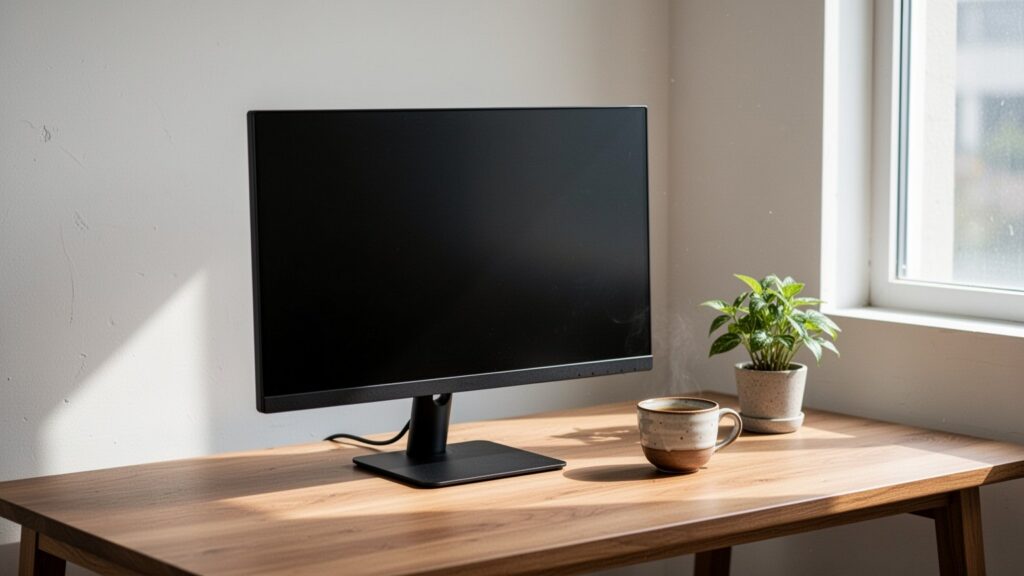
For a budget around $150 (200,000 KRW), 24-inch (60 cm) to 27-inch FHD (1920×1080) monitors are the most common options. Choosing a model with a 75Hz to 100Hz refresh rate over a standard 60Hz screen ensures smoother cursor movement and scrolling.
Here is a direct comparison of key panel characteristics and recommendations for office use:
| Feature | IPS Panel | VA Panel |
|---|---|---|
| Contrast Ratio | 1,000:1 – 1,500:1 | 3,000:1 – 5,000:1 |
| Response Time (GtG) | 1–5ms (Minimal ghosting) | 4–8ms (Potential scroll smearing) |
| Viewing Angle Distortion | Minimal distortion across 178° | Side gamma and color shifts |
| Text Clarity | Crisp (Standard RGB layout) | Slight fringing if non-standard layout |
| Office Recommendation | Best for docs, coding & dual setups | Best for video & dark environments |
Popular entry-level options include models like the LG 27MR400 (around $110–$130 [150,000–180,000 KRW]) and Samsung S24C310, which offer 99%+ sRGB, 250 cd/㎡ (250 nits) brightness, tilt adjustment, and VESA mount support.
If your workday involves hours of reading and text editing, prioritize an IPS panel with flicker-free technology, an anti-glare finish, and a 75–100Hz refresh rate.
References
1-Minute Video Summary
Related Articles
- Is Upgrading SSD and RAM on a 5-Year-Old Slow Laptop Worth It? Performance Gains vs Cost Limits
- Do Carbon Plate Running Shoes Cause Ankle Injuries for Beginners? Differences from Cushioned Shoes and Buying Guide
- Will Your AC Grow Mold If You Just Turn It Off for Winter? Fan Mode Drying and Filter Storage Tips