When checking your smartphone’s Wi-Fi list, you often see ‘2.4G’ and ‘5G’ versions of the same network name. You might connect to 5G expecting maximum speed, only to find the connection drops the moment you shut your bedroom door. Why isn’t the higher number always the right choice?
Quick Summary
- Gaming or streaming high-definition video near the router: Connect to 5 GHz
- Closed rooms or smart home IoT appliances needing constant connection: Connect to 2.4 GHz
- Router placement: Place it in an open, central spot at least chest-high, not on the floor or behind a TV
- Antenna adjustment: Position two antennas at a 90-degree angle (one vertical, one horizontal) for maximum reception
2.4 GHz vs 5 GHz: Signal Characteristics and Speed Differences
The number attached to your Wi-Fi name refers to the radio frequency band in gigahertz (GHz), not 5G cellular mobile networks. As of 2026, most routers feature dual-band technology that broadcasts both frequencies simultaneously. 5 GHz offers a wider channel bandwidth of 580 to 900 MHz, delivering faster data transfer speeds and lower latency. In contrast, 2.4 GHz has a narrower bandwidth of about 82 to 100 MHz, but its longer wavelengths bend around physical obstacles more effectively.
Think of 5 GHz as a high-speed train on a straight track, while 2.4 GHz is an off-road vehicle navigating winding mountain paths. 5 GHz degrades quickly when passing through walls or doors, but offers blazing speeds at close range. 2.4 GHz is slower, but indoors its signal can reach up to 70 meters, delivering a stable connection through walls into other rooms.
Which Frequency Should You Connect to for Each Device and Location?
Dividing your devices between frequencies based on purpose and distance helps maximize network efficiency. Devices that demand high speed—such as for large file downloads, high-definition streaming, or online gaming—should connect to 5 GHz near the router. Devices located in walled rooms or smart home appliances with low data needs stay connected more reliably on 2.4 GHz.
| Category | Recommended for 2.4 GHz | Recommended for 5 GHz |
|---|---|---|
| Target Devices | Robot vacuums, air purifiers, washing machines, IP cameras | PCs, laptops, tablets, modern smartphones, gaming consoles |
| Location | Rooms far from router, behind solid walls | Living room with router, open line of sight nearby |
| Pros & Cons | Better wall penetration / Prone to microwave and Bluetooth interference | High speeds and low latency / Sharp signal drop through obstacles |
However, 2.4 GHz only has three non-overlapping channels (channels 1, 6, and 11), making it vulnerable to signal interference from neighboring Wi-Fi networks, microwave ovens, and Bluetooth devices.
Router Placement Tips for Full-House Coverage
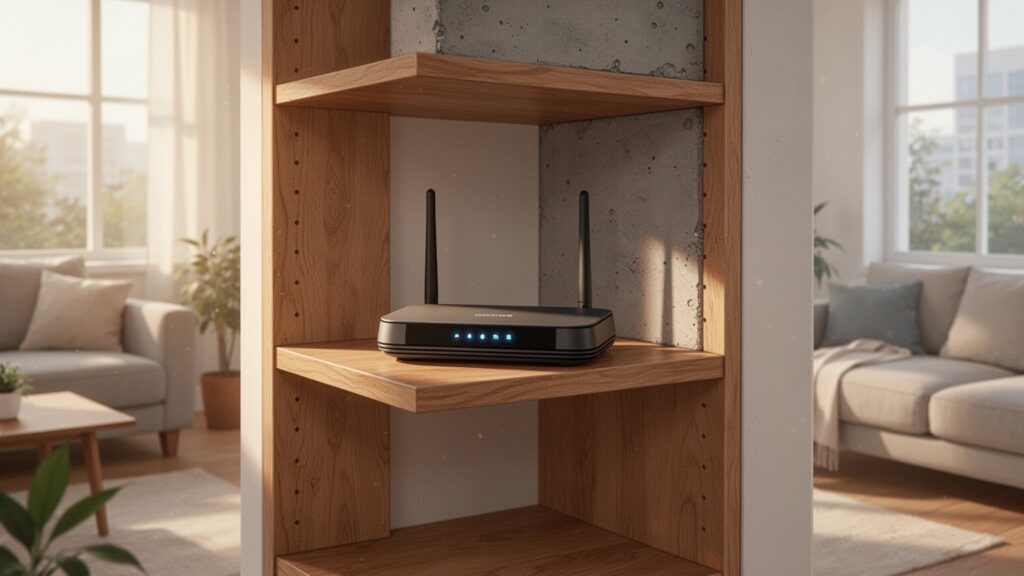
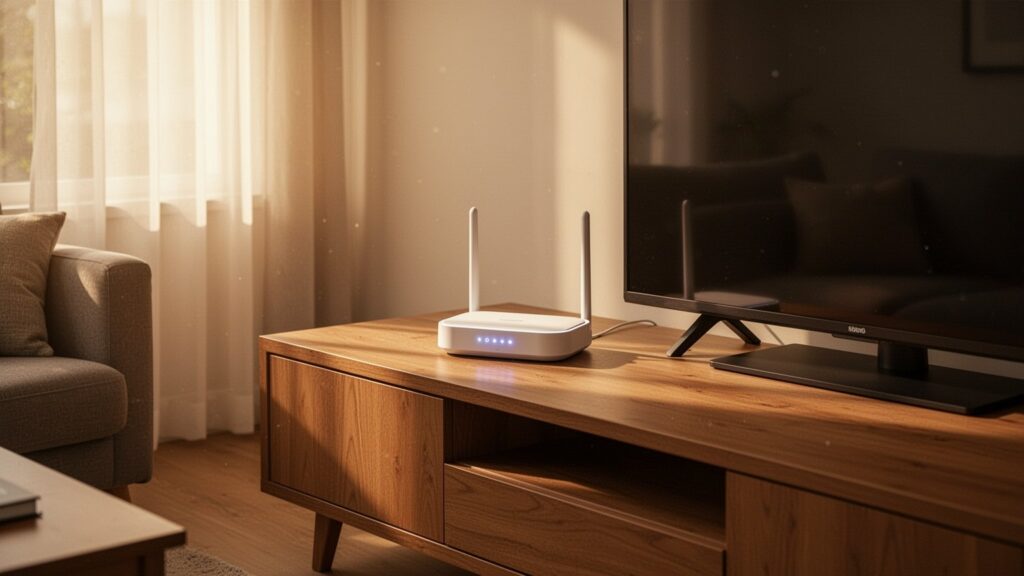
Even with the right frequency, poor router placement degrades performance. Placing your router on the floor or behind a TV causes furniture and walls to absorb radio waves, creating dead zones. Position the router in a central, open area of the home, elevated at least chest-high from the floor.
For routers with two or more antennas, adjust their orientation. Pointing one antenna vertically toward the ceiling and another horizontally at a 90-degree angle ensures balanced coverage for both horizontal and vertical device orientations. For large homes or thick concrete walls, adding a Wi-Fi range extender or setting up a mesh Wi-Fi system can eliminate remaining dead spots.
Why Real-World Internet Speeds Differ from Router Specs
The maximum speeds advertised on router boxes or ISP spec sheets are theoretical maximums measured under ideal conditions without signal degradation. For example, a standard dual-band router (such as a KT GiGA Wave 2) supports up to 300 Mbps on 2.4 GHz and 867 Mbps on 5 GHz, but real-world wireless environments operate on half-duplex communication and incur network protocol overhead of around 30%, which can cut effective speeds roughly in half.
Theoretical maximum speeds also vary by Wi-Fi standard documentation. Wi-Fi 5 (802.11ac) specs are often listed anywhere from over 1 Gbps up to 3.46–3.5 Gbps or even 6.9 Gbps depending on stream configurations, while Wi-Fi 6 (802.11ax) varies between 9.6 Gbps and 10 Gbps. In dense apartment complexes, 2.4 GHz speeds frequently drop from the typical 100–200 Mbps range down to 20–40 Mbps due to channel congestion, making real-world measurements essential.
Try switching your smartphone to the 5 GHz band when sitting near your router, and back to 2.4 GHz when behind closed doors for a stable, drop-free connection.