When selling a used smartphone, are you worried someone might recover your personal photos or banking information? Online forums still claim that you must “run a factory reset three or four times” or that “private forensic services can bring everything back.” Does a single factory reset truly leave your private data vulnerable?
Key Takeaways
- Modern smartphones (Android 10+ and iOS) show a 0% recovery rate after just one factory reset via the Settings menu.
- Simply deleting files from a gallery app leaves up to 87% of photos and 100% of notes recoverable by forensic tools, making a system reset essential.
- Older devices on Android 9 or below require manual encryption and data overwriting, and SD cards and SIM cards must always be physically removed.
Destroying the Encryption Key, Not Just Wiping Data

Factory resetting a modern smartphone does not erase files one by one. Rather than shredding individual documents stored in a heavy vault, it works by throwing the single master key that opens the vault directly into a blast furnace.
Devices running Android 10 or later and all Apple iOS devices enforce File-Based Encryption (FBE) by default. Every photo and document written to storage is instantly locked using a unique, random encryption key.
When you trigger a factory reset from the Settings menu, the operating system permanently destroys the master decryption key kept in the dedicated hardware security module (KeyMint or Secure Enclave). Without that key, the residual data on the flash memory becomes mathematically indistinguishable from random noise, making reconstruction impossible.
Four Private Forensic Labs Tested: 0% Recovery Rate
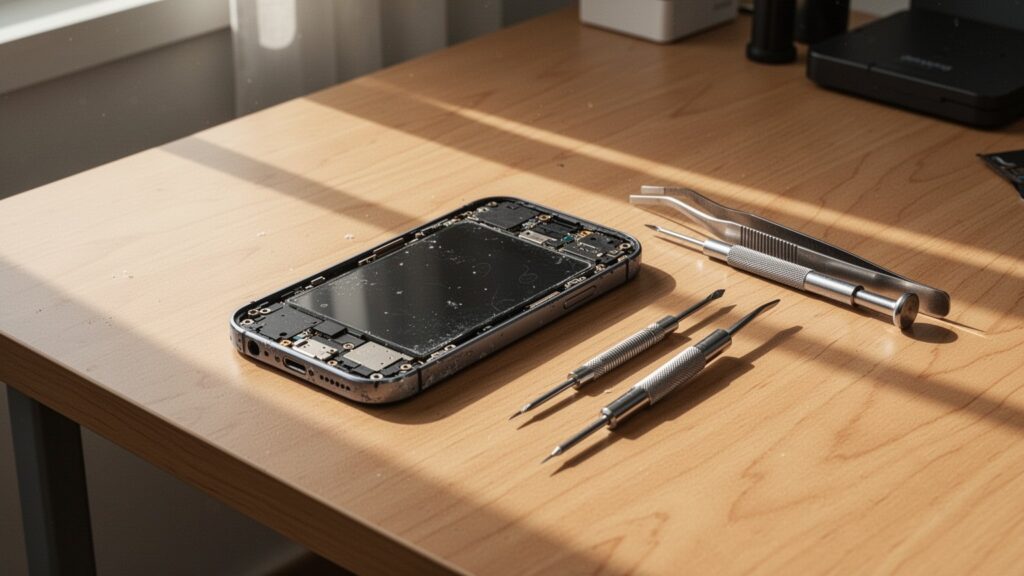
Deleting a file manually in the gallery app produces an entirely different outcome than a factory reset. A 2026 benchmark test involving 16 smartphones submitted across 4 private digital forensic labs—costing about $1,600 (2.2 million KRW)—highlights this clear contrast.
| Deletion Method | Forensic Recovery Rate | Notes |
|---|---|---|
| Manual Deletion | 87% of photos, 100% of notes recovered | Only file index deleted; raw data intact |
| 1 Factory Reset | 0% (Complete failure) | Decryption key destroyed; data inaccessible |
| 2 Factory Resets + Overwrite | 0% (Complete failure) | Same outcome as a single reset |
Manual deletion simply removes the file pointer, which allowed forensic suites to retrieve 99% of voice recordings and 87% of photos without difficulty. In contrast, after a single factory reset through the official system settings, all four specialized forensic labs failed to recover even one file. The rumor that commercial forensic tools can extract data after a factory reset conflates manual deletion with system-level crypto-wipes or relies on outdated device architectures.
Related Reads
케이블 없이 윈도우11 노트북에 스마트폰 화면을 띄우려면 어떻게 해야 할까?
느려진 스마트폰에 클리너 앱 깔면 왜 배터리가 더 빨리 닳을까?
Older Phones and External Storage Are the Exceptions
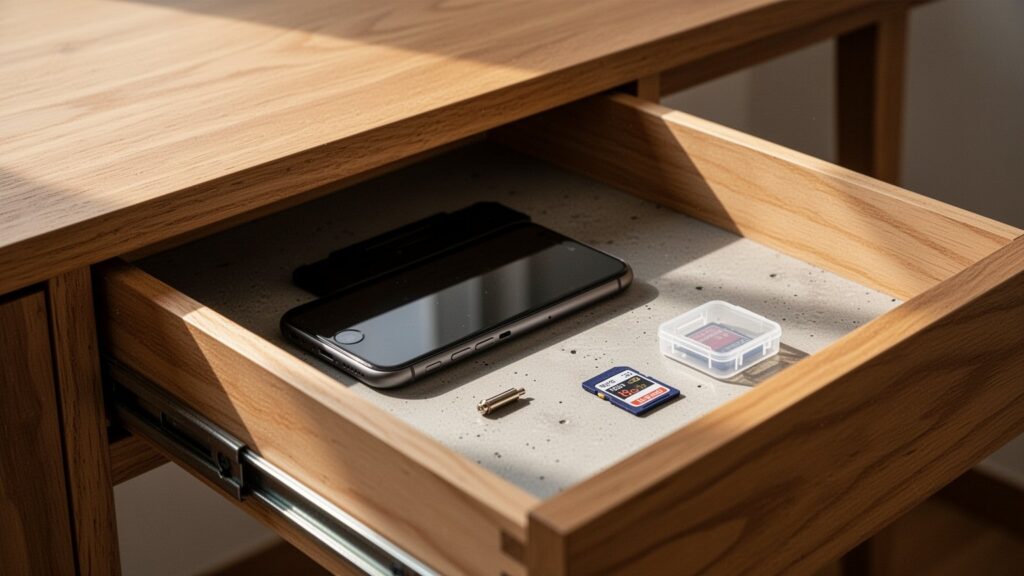
A single factory reset is not guaranteed to sanitize every legacy handset. Older models running Android 9 or earlier did not enforce file-based encryption by default, leaving residual data vulnerable to recovery tools even after a reset.
Furthermore, external microSD cards inserted into your smartphone are not cleared by a system reset. Unless the external card was specifically encrypted in system settings, standard recovery software can easily undelete photos from it.
To safely wipe an older device running Android 9 or below, follow three steps:
1. Go to Settings and manually encrypt the entire device.
2. Perform an initial factory reset.
3. Record long dummy videos to completely fill the storage capacity, then run a second factory reset.
Before handing over any smartphone, make sure to physically eject the SIM card and microSD card from the tray.
Remove Your Accounts Before Resetting
The most common mistake people make before resetting is forgetting to sign out of their accounts. Wiping a device while still signed into your Google or Apple account triggers theft protection—such as Factory Reset Protection (FRP) or iCloud Activation Lock—which renders the phone unusable for the next owner.
Always log out of your accounts in Settings first. Once that is done, initiate the reset using the official system path:
- Samsung Galaxy (Android): Settings → General Management → Reset → Factory Data Reset
- iPhone (iOS): Settings → General → Transfer or Reset iPhone → Erase All Content and Settings
Following this procedure ensures that the hardware-bound encryption keys are destroyed, making the phone completely safe for resale.
Before selling your smartphone, sign out of all accounts, take out external storage cards, and execute just one standard factory reset from the Settings menu.
함께 읽으면 좋은 글
- 내 스마트폰 고유번호 IMEI, 3초 만에 확인하고 통신비 아끼는 방법은?
- 스마트폰 밤새 충전하면 배터리 수명 정말 줄어들까?
- 스마트폰 충전 단자에 물기 감지 경고가 떴을 때, 어떻게 해결해야 할까?
- 스마트폰에서 복사한 글, PC에 바로 붙여넣는 방법은?